
WhatsApp is usually the better choice for ongoing sales and service conversations with customers you already know, because it's tied to a phone number, stays in one thread and lets you send proactive updates with approved templates. Facebook Messenger suits customers who find you on Facebook, especially through ads and your Page. Most businesses get the best results using both, with conversations managed in one place.
Conversational commerce means selling and supporting through chat: answering product questions, guiding a purchase, confirming an order and following up. This guide compares the two channels on what matters for that.
WhatsApp vs Messenger at a glance
Facebook Messenger | ||
|---|---|---|
How customers find you | Your phone number, website buttons, click-to-WhatsApp ads, QR codes | Your Facebook Page, Messenger links, click-to-Messenger ads |
Identity | Linked to the customer's phone number | Linked to the customer's Facebook account |
Best for | Service, bookings, order updates, reminders, ongoing relationships | Enquiries from Facebook audiences, ad-driven leads, social discovery |
Proactive messages | Approved templates (marketing, utility, authentication), charged per message by Meta | More restricted; mainly replies within Meta's messaging window |
Reply window | Free-form replies within 24 hours of the customer's last message | Standard messaging within 24 hours of the customer's last message |
Business tools | WhatsApp Business app for small teams; WhatsApp Business Platform (API) for multiple agents, automation and integrations | Messenger via your Facebook Page, or through a platform for shared inbox and automation |
Reach
WhatsApp is the bigger channel. More than 3 billion people in over 180 countries use it, according to WhatsApp. In markets like South Africa and much of Europe, it's the default way people message friends, family and, increasingly, businesses.
Messenger's strength is its link to Facebook. If your customers discover you through Facebook ads or your Page, Messenger is the natural next step for them, with no need to share a phone number.
The practical question isn't which has more users overall. It's where your own customers already message you. Look at your enquiry data before you decide.
Using WhatsApp for sales and service
Broadcasts
WhatsApp broadcasts let you send promotions, updates and reminders to customers who've opted in, using approved templates. Because people read WhatsApp like a personal inbox, the response can be strong. Richfield, a South African education provider, saw a sevenfold increase in response rates with WhatsApp broadcasts. See Cue Broadcasts.
Chatbots and AI Agents
A WhatsApp chatbot can answer frequently asked questions, qualify leads and guide customers through a purchase or booking at any hour. With AI Agents, customers can ask in their own words and get an answer from your own product and policy information, with a handover to your team when needed.
Live chat with your team
Sometimes a customer needs a person: a high-value order, a complaint, a question the AI can't answer. Several agents can work from one WhatsApp Business number, picking up conversations with the history in view.
Surveys and feedback
Customers can answer surveys inside the chat, which makes responding much easier than following an email link. Hollard, the insurer, saw a fivefold increase in survey responses after moving its surveys from SMS to WhatsApp.
Using Facebook Messenger for sales and service
Messenger chatbots
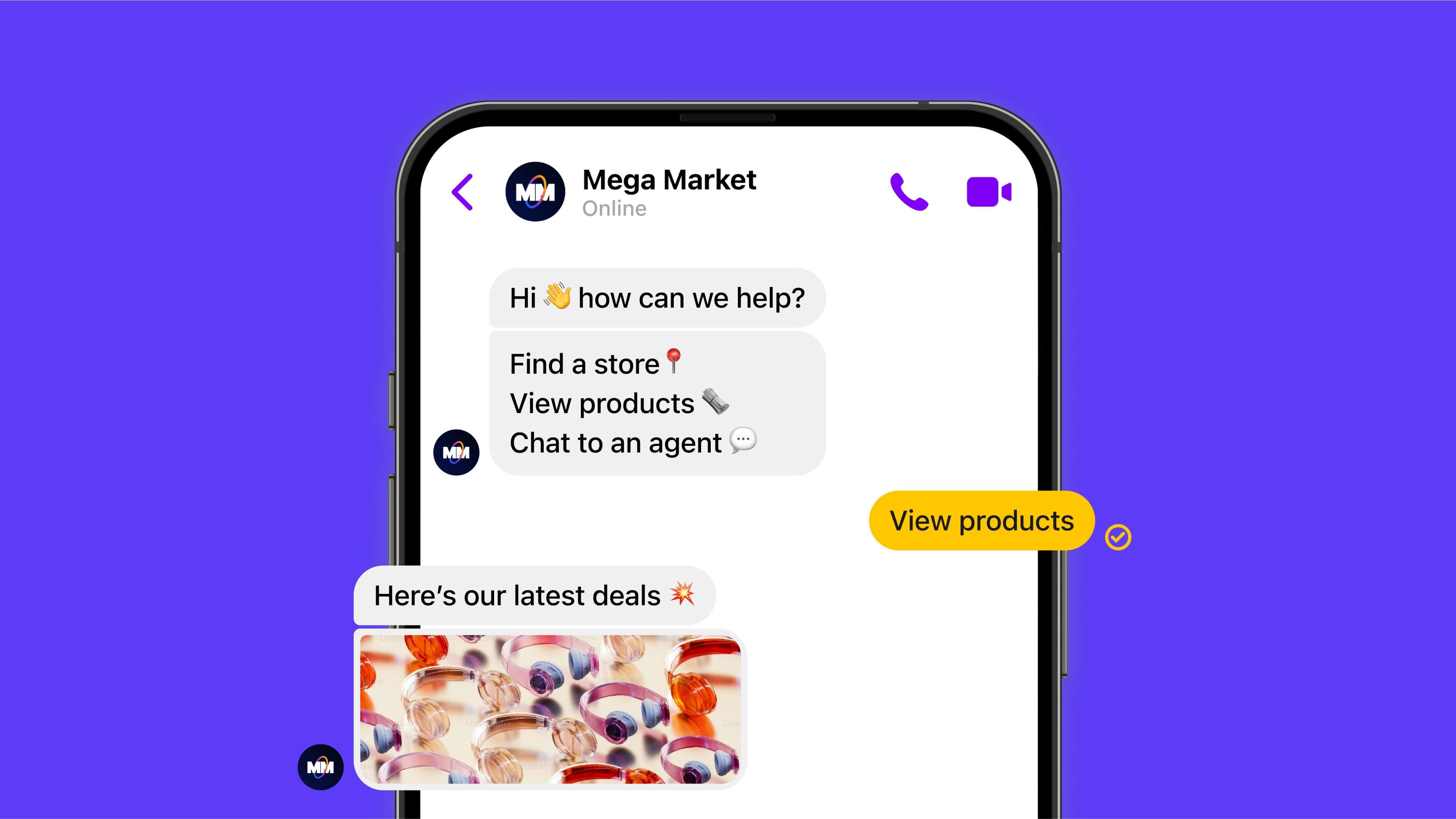
Like WhatsApp, Messenger can run chatbots that answer FAQs, capture leads and guide people through your catalogue. With Cue, you build these without code, using the same builder you use for WhatsApp.
Live chat on Messenger
When a chatbot reaches its limit, your team can step in to answer detailed questions, recommend products and close the sale. Our guide to customer service on Facebook Messenger covers this in more detail.
Ads that start conversations
Messenger works well as the destination for Facebook ads. Someone sees your ad, taps to message and starts a conversation without leaving the app.
Facebook also lets you run ads that open a WhatsApp chat instead. Click-to-WhatsApp ads send the customer straight into a conversation with your verified WhatsApp Business number, with no form to fill in. In Cue, that conversation can go straight to a chatbot, an AI Agent or a member of your team. Read more in our guide to WhatsApp ads.
Costs to consider
Neither channel is free at scale, but the costs work differently.
WhatsApp: Meta charges for template messages you send (marketing, utility and authentication). Free-form replies within the 24-hour customer service window cost less, and providers set their own rates on top of Meta's, so check a platform's message rates as well as its subscription. On Cue, service messages beyond the first 1,000 free each month per business number cost £0.02 (R0.16), and marketing templates cost £0.10 (R0.70). See Cue pricing and our guide to WhatsApp Business API pricing.
Messenger: you reply to customers who've contacted you within Meta's messaging window. Most of the cost sits in your ad spend and the time your team spends answering.
Why WhatsApp and Messenger work better together
It's easy to frame this as a choice. In practice, customers use different channels at different times, and the businesses that do best meet them on both.
Cue makes it easy to manage both WhatsApp and Facebook Messenger from a single, user-friendly platform. Email, web chat and phone calls sit in the same inbox too.
One inbox. Conversations from every channel arrive in one place, on one contact record, so nobody has to check separate apps.
Shared reporting. See active contacts, open conversations and team performance across your messaging channels.
The same chatbots and Flows. Build automated journeys once and use them on WhatsApp and Messenger, so customers get consistent answers.
Routing to the right person. Send each conversation to the right team or agent, with the full history.
Calls on the same record
Some customers will still pick up the phone, particularly for bigger purchases. In Cue, calls arrive in the same inbox as WhatsApp and Messenger conversations, matched to the contact by phone number, and your team can call a customer back from any chat. Recordings and transcripts sit on the contact record. See how calls work in Cue.
See both channels in one inbox
Book a demo to see WhatsApp, Messenger, email, web chat and calls working together in Cue.