
Last updated
Kirsten Gentle
Alternatives


While Tidio might have been a decent starting point, you’ve probably noticed its limits are holding you back. If you’re craving deeper customisation, smarter automation, or sharper analytics to understand your customers truly, it’s time to explore what else is out there.
The right Tidio alternative won’t just solve problems, it’ll transform your customer interactions into a genuine competitive advantage. In this guide, we’ll compare the best Tidio alternatives, highlighting how they stack up in terms of features, customisation, and overall performance.
Finding that perfect fit means looking beyond the basics. Think about your team’s size, the unique demands of your industry, and how you envision your customer support strategy evolving. When selecting customer service software, key factors to consider include integration options, automation capabilities, multichannel support, and pricing.
We’ll help you navigate the top contenders, so you can choose a platform from the broader category of customer service software that not only meets your current needs but also scales with your ambitions, ensuring every customer interaction is a step towards stronger relationships and bigger business wins.
Tidio overview
Core features
Tidio is a popular customer service platform that helps you chat with your customers in real-time. You can use it to answer questions, solve problems, and even make sales while chatting. Many businesses like Tidio because it is easy to set up and works straight out of the box. Its user-friendly interface makes it simple for anyone to manage customer support, customise settings, and scale as their business grows.
Here are some of the main features you get with Tidio:
Live chat/website chat: You can talk to your website visitors as soon as they land on your page. Website chat is a key feature that enhances user engagement and streamlines communication directly on your site, helping you answer questions quickly and build trust.
Chatbots: Tidio lets you set up simple bots to answer common questions. These bots can handle up to 67% of basic queries, so your team can focus on harder problems.
Multichannel support: You can connect Tidio to your website, Facebook Messenger, and email. This means you can reply to customers wherever they reach out.
Automation: Tidio offers basic automation. You can set up triggers to send messages or route chats to the right person.
Analytics and reporting: The platform gives you basic stats, like how many chats you had and how fast you replied.
Feedback tools: You can collect feedback from customers using surveys and chatbots.
Tidio is used by over 300,000 businesses worldwide. It gets high ratings from users, with 4.7 stars on G2 and Capterra, and 4.6 stars on Shopify. Many users say it helps them save time and improve customer satisfaction.
Limitations
Tidio works well for small teams, but you might run into problems as your business grows. The free plan is limited. It includes only basic features, so you may need to upgrade for more functionality.
If you want to build advanced chat flows or use AI that feels more human, you might find Tidio limiting. As your business grows, you may require more advanced features to handle complex automation and customer interactions.
Some users say the interface can be confusing, especially if you are new to live chat tools. You might spend extra time learning how to use all the features.
If you need to connect Tidio with other business tools, you may find the integrations limited. This can slow you down if you want to link your CRM or automate more of your workflow, making strong integration capabilities essential for growing businesses.
Many businesses start with Tidio, but as they grow, they look for Tidio alternatives that offer more advanced automation, better analytics, and stronger integrations.

Comparison table
Features and pricing
Picking a customer service platform can be hard. You want to compare them easily. A table helps you see everything quickly. You can check features, prices, and support in one place. The table below shows the main details for each platform. It lists prices, key features, and what makes each tool special.
Platform | Starting Price (per month) | AI & Automation | Multichannel Support | Integrations | Analytics | Support Level | Best For |
|---|---|---|---|---|---|---|---|
£249/ month/unlimited users | Advanced AI Agents, Chatbots, Broadcasts | WhatsApp, Messenger, Web, AI Agents | HubSpot, Slack, Shopify & more | Detailed | 24/7 Live Chat | Growing businesses and Enterprise teams | |
£24/user/month | Intermediate | Web, Messenger, Email | Shopify, WordPress | Basic | Email, Chat | Small teams, startups | |
£58/user/month | Intermediate | Email, Web, Phone, Social | 100+ apps | Advanced | 24/7 Support | SMEs, IT, SaaS | |
£33/4 seats/month | Intermediate | Web, Messenger, Email, SMS | Zapier, Slack | Intermediate | Email, Chat | Startups, SaaS | |
£9/user/month | Intermediate | Web, Email, Messenger | Zapier, Slack | Advanced | Email, Chat | SaaS, agencies | |
£14/user/month | Intermediate | Email, Messenger, SMS | Zapier, Slack | Basic | Teams, agencies | ||
£21/month | Basic | Web | Slack, HubSpot | Basic | Email, Chat | Small businesses | |
£15/user/month | Intermediate | Web, Messenger, Email | 200+ apps | Advanced | 24/7 Support | Enterprises, support teams | |
£22/user/mointh | Advanced | Web, Messenger, Email, SMS | 300+ apps | Advanced | 24/7 Support | Large businesses | |
£19/user/month | Advanced | Web, Email, Social | 1000+ apps | Advanced | 24/7 Support | Enterprises, global teams | |
£22/month | Intermediate | Web, Email | Slack, HubSpot | Intermediate | Email, Chat | Non-profits, small teams | |
£66/user/month | Advanced | Web, Email, Social, SMS | Salesforce, Shopify | Advanced | 24/7 Support | Large teams, retail |
Top Tidio alternatives
1. Cue – The ultimate Tidio alternative
Overview
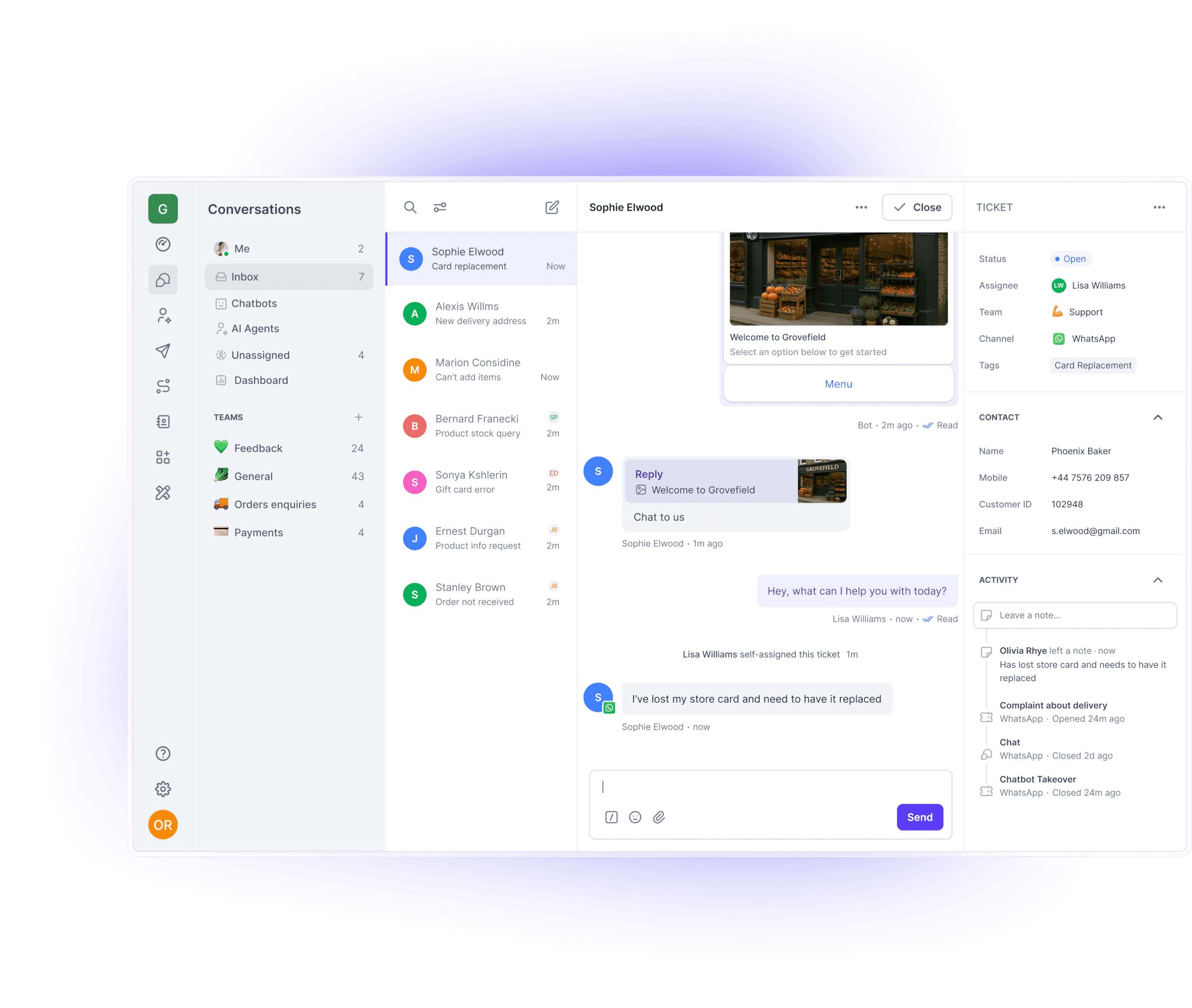
Cue stands out as a modern customer service platform. You get advanced chatbots, AI agents, and live chat, all in one place. Cue helps you talk to customers on WhatsApp, Messenger, and web chat. Many businesses use Cue to boost sales, cut costs, and provide support faster. You can set up Cue quickly, even if you have little to no coding skills. Cue works well for automotive, education, retail, real estate, and travel. Companies like Arena Apparel and Richfield trust Cue to automate orders and support.
Chatbots & broadcasts
Cue lets you build chatbots without any coding. As a no-code chatbot builder with a drag-and-drop interface, Cue makes it easy to create flows that answer common questions or help customers buy products. Chatbots can also be used for lead generation by capturing and qualifying prospects through conversational interactions.
The chatbots work across WhatsApp, Messenger, and your website. You can also send broadcasts to groups of customers. Use proactive messaging to initiate conversations and provide timely information to customers, such as payment reminders, order updates, or special offers. This helps you reach more people and keep them engaged. The chatbots connect with tools like HubSpot and Slack, so you can manage leads and support in one place.
AI Agents
Cue’s AI agents give instant answers to customers, day or night. With advanced AI capabilities like natural language processing and contextual responses, they deliver accurate and relevant support. These agents can handle up to 60% of your queries. They automate responses to common questions, improving efficiency and consistency.
You can customise their name and style to match your brand. AI agents work on WhatsApp, web chat, and Messenger. They help you save money because you need fewer human agents. AI agents also help automate support, streamlining your customer service operations. Your team can then focus on bigger problems. Many businesses see faster response times and happier customers with AI agents.
Live chat
Cue’s live chat brings all your customer messages into one inbox, providing a unified interface for managing conversations. You can reply to WhatsApp, Messenger, and web chat from the same place. Cue offers live chat support across multiple channels, making it easy to engage with customers wherever they are.
The system routes chats to the right team, so customers get help fast. You can use quick replies and message templates to save time. Each customer has a profile with a chat history, so you always know who you’re talking to. With real-time visitor monitoring, you can observe and interact with website visitors instantly, enhancing support and personalisation. The live chat is easy to use and helps you solve problems quickly.
Pricing
Cue offers flexible and transparent pricing starting from £249/ month with unlimited seats.
Help guides & knowledge base
Cue gives you access to help guides and an integrated knowledge base that supports self-service and improves efficiency. You can find answers to common questions and learn how to use every feature. The guides are clear and easy to follow. If you need more help, you can contact support through live chat.
Analytics and integrations
Cue tracks every chat and customer action. You get detailed analytics on chat flows, WhatsApp menus, and broadcasts. This helps you see what works and where customers drop off. Cue integrates with HubSpot, Slack, Shopify, and more. Its third-party integrations enable a seamless workflow by connecting multiple business software tools, so you can manage everything from a single platform. You can connect your CRM and other tools to keep everything in sync.
2. Freshdesk
Overview
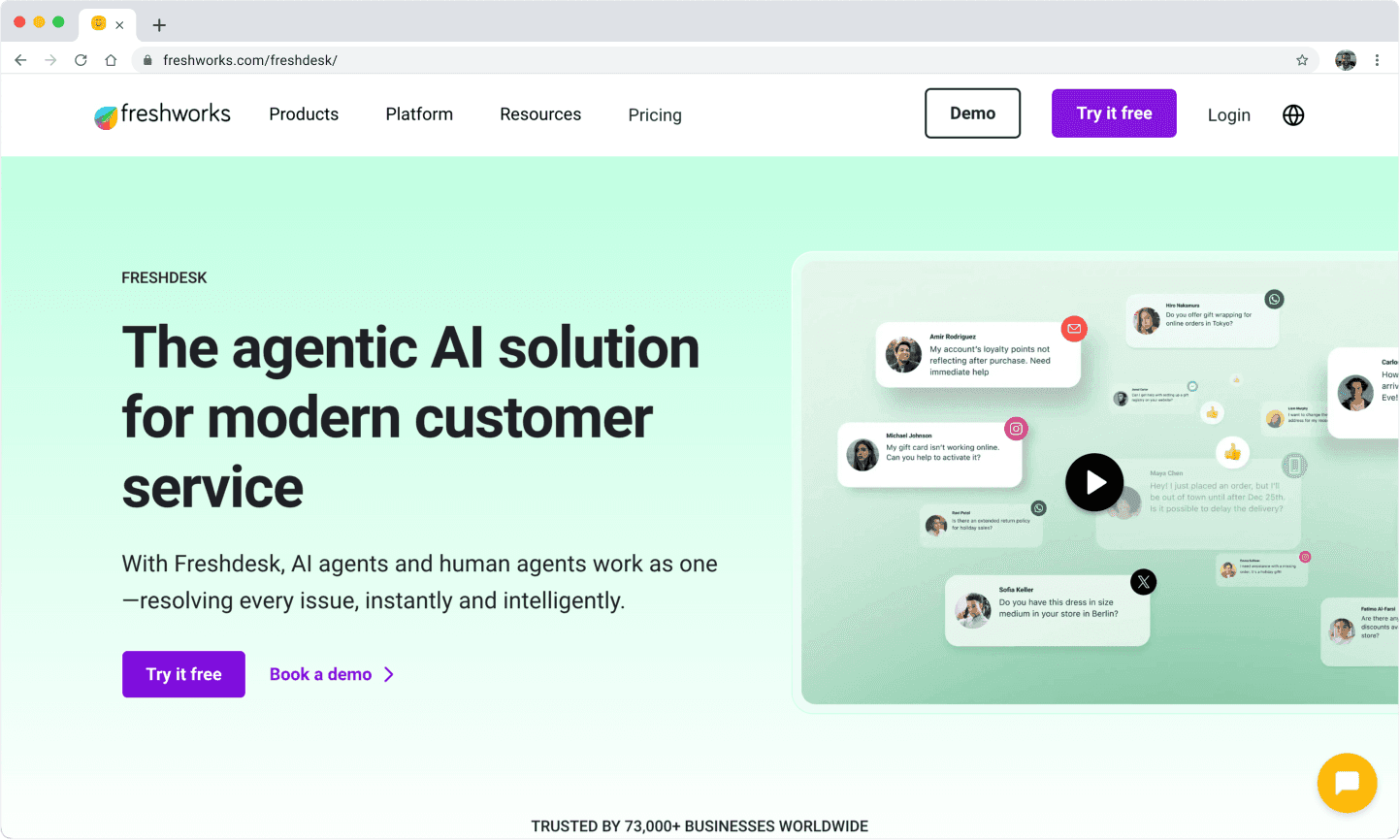
Freshdesk is a popular customer support tool. You can manage emails, chats, calls, and social media from one dashboard. Many businesses use Freshdesk for its ticketing system and automation. It works well for small and medium-sized companies. Freshdesk is specifically designed to meet the needs of medium-sized businesses seeking scalable support solutions.
Features
Multichannel support: Handle emails, web chat, phone, and social media.
Ticketing: Turn every customer message into a ticket to efficiently manage customer inquiries and ensure easy tracking.
Automation: Set rules to assign tickets and automate responses to customer inquiries for faster support.
Contact management: Organise customer information and interactions to improve CRM and support processes.
Collaboration: Let your team work together on tickets.
Pricing
Freshdesk has a free plan for basic needs. Paid plans start at £15 per user each month. Higher plans add more features like automation and reporting.
Pros and cons
Pros:
Easy to set up
Good for email and ticketing
Free plan available
Cons:
Some features cost extra
It can feel complex for new users
Live chat is not as advanced as others
3. Crisp
Overview
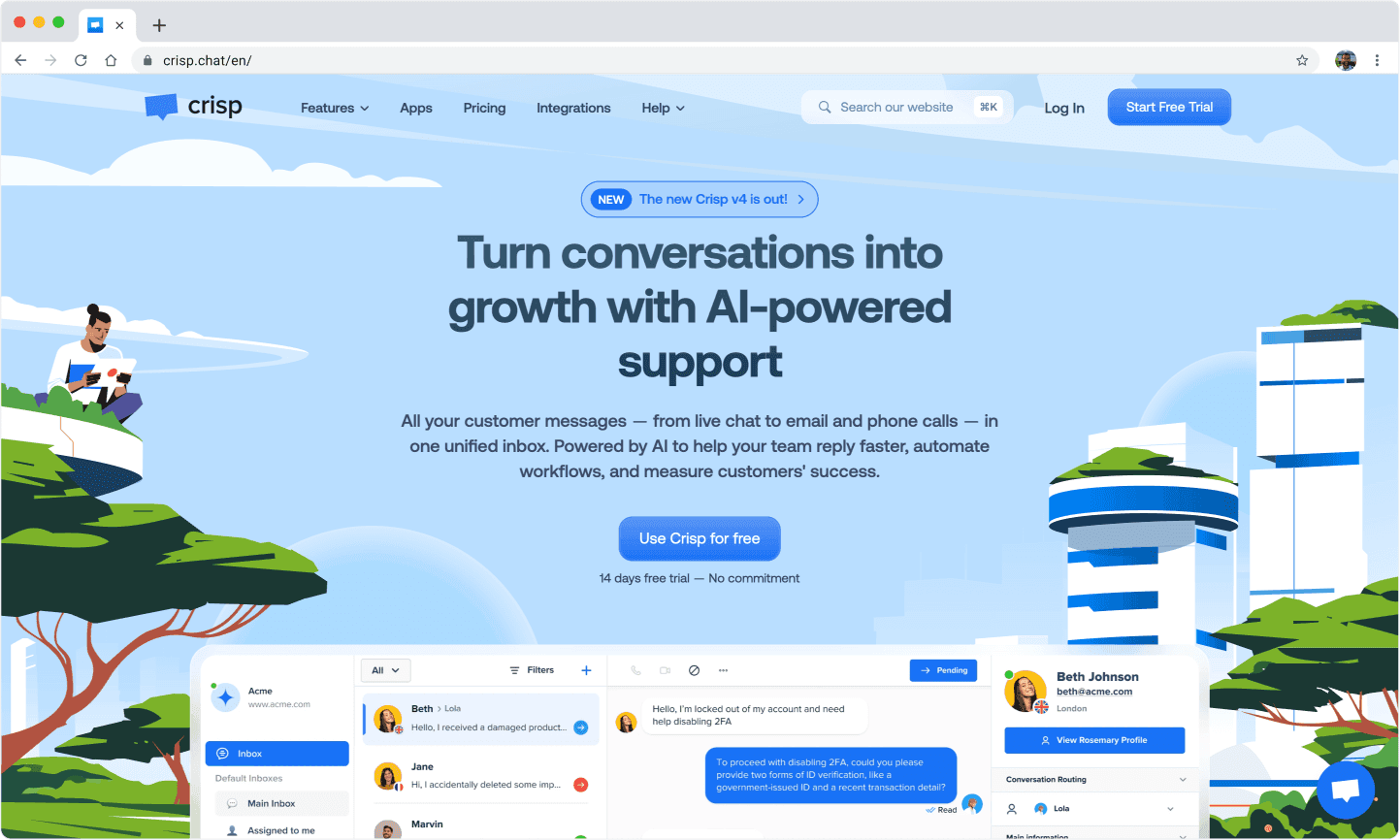
Crisp is a messaging platform for customer support and sales. You can chat with website visitors, send emails, and use bots. Crisp is popular with startups and SaaS companies.
Features
Live chat: Talk to customers in real-time on your website, supporting multiple channels for customer communication.
Chatbots: Automate replies to common questions.
Multichannel inbox: Consolidate and manage all messages from various messaging channels in one place.
Campaigns: Send targeted messages to users.
Integrations: Connect with Slack, Zapier, and more.
Pricing
Crisp offers a free plan with basic chat. Paid plans start at €25 per month for two users. Higher plans add automation and integrations.
Pros and cons
Pros:
Simple interface
Good for small teams
Chatbots included in paid plans
Cons:
Limited features on the free plan
Some integrations only on higher plans
Analytics is not as deep as others
4. HelpCrunch
Overview
HelpCrunch gives you a way to talk to your customers in real-time. You can use it for live chat, email, and pop-up messages. Many businesses pick HelpCrunch because it helps you keep all your customer chats in one place. You can use it to answer questions, send updates, and even help with sales. If you want a tool that feels modern and easy, HelpCrunch could work for you.
Features
Live chat: Chat with visitors on your website. You can see what they type before they send it.
Email marketing: Send emails to your customers right from the same dashboard.
Pop-ups: Show messages or offers to people as they browse your site.
Knowledge base: Build a help centre so customers can find answers on their own.
Automation: Set up rules for automated messaging and automated responses to send messages or reply to common questions, improving efficiency.
Mobile apps: Use HelpCrunch on your phone or tablet.
HelpCrunch helps streamline support processes through automation and integration, making your support team more efficient.
Pricing
HelpCrunch does not have a free plan, but you can try it for free for 14 days. After that, you pay based on the features you need.
Pros and cons
Pros:
Easy to use
Combines chat, email, and pop-ups
Good automation tools
Cons:
No free plan
Some features only on higher plans
Can get expensive for big teams
5. Missive
Overview
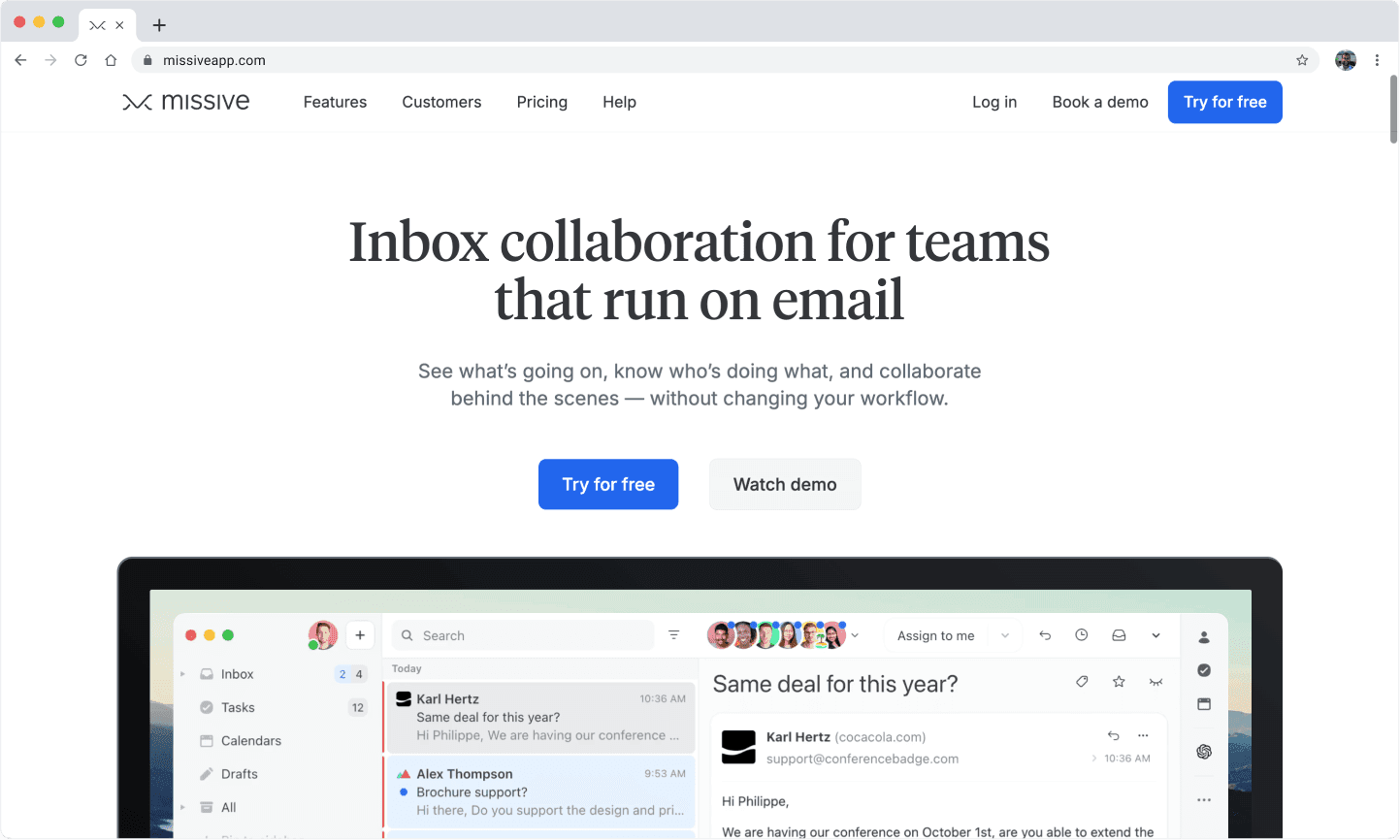
Missive helps you manage all your team’s messages in one place. You can use it for email, live chat, SMS, and even Facebook Messenger. If your team works together on customer support, Missive makes it easy to share and reply to messages. You can assign chats, leave notes, and keep track of every conversation.
Features
Shared inbox: Everyone on your team can see and reply to messages, making it easy to manage customer conversations across channels like email, live chat, and social media.
Live chat: Add a chat widget to your website.
Email and SMS: Manage emails and texts from the same dashboard.
Collaboration: Assign chats, add comments, and tag teammates.
Integrations: Connect with tools like Slack, Trello, and Zapier.
Pricing
Missive does not offer a free plan, but you can try it for free for 30 days. After that, you pay per user.
Pros and cons
Pros:
Great for teamwork
Handles many channels
Easy to assign and track chats
Cons:
No free plan
Some features only on higher plans
Not as many automation options as others
6. Olark
Overview
Olark is a simple live chat tool for your website. You can use it to talk to visitors and answer their questions right away. Olark keeps things easy, so you do not need to learn lots of new things. Many small businesses like Olark because it is quick to set up and use.
Features
Live chat: Chat with website visitors in real-time.
Chat transcripts: Save and review past chats.
Custom forms: Collect information before a chat starts.
Automation: Send automatic messages based on visitor actions.
Integrations: Connect with tools like HubSpot, Salesforce, and Slack.
Pricing
Olark keeps pricing simple. You pay one price for each user. There is no free plan, but you can try it for free for 14 days.
Pros and cons
Pros:
Simple and easy to use
Good for small teams
All features are included in one plan
Cons:
No free plan
Limited advanced features
Not ideal for large or complex teams
7. LiveChat
Overview
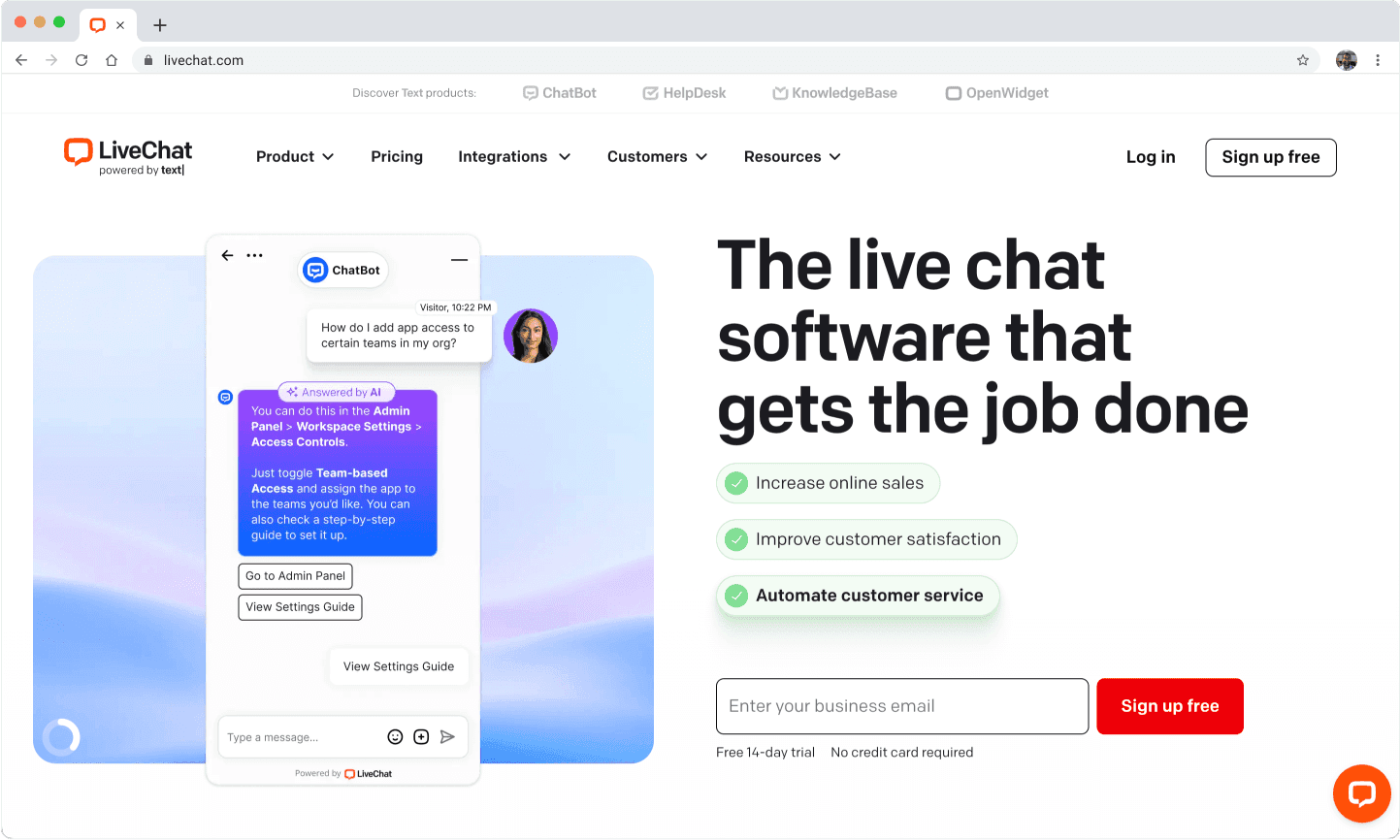
LiveChat lets you chat with customers on your website. You can answer questions and help solve problems. It also helps people buy things from your shop. Many businesses like LiveChat because it is quick and simple. You can see what someone types before they send it. This helps you get ready to reply. LiveChat works for small shops and big companies.
Features
Real-time chat: Talk to visitors as soon as they arrive.
Chat routing: Send chats to the right team member, helping customer support agents handle inquiries efficiently.
Canned responses: Use saved replies for common questions.
File sharing: Send and get files, pictures, and documents.
Chat tags: Add tags to chats to keep things organised.
Contact management: Organise and manage customer information for better follow-up and personalised service.
Reports and analytics: Check how many chats you get and how fast you reply.
Integrations: Connect with over 200 apps, like CRM tools and email.
Mobile apps: Chat with customers from your phone or tablet.
Pricing
LiveChat does not have a free plan, but you can try it for 14 days. After that, you pay each month for every agent. The price changes if you want more features.
Pros and cons
Pros:
Easy to set up and use
Fast chat tools
Lots of integrations
Cons:
No free plan
Price goes up with more agents
Some features only on higher plans
8. Intercom
Overview
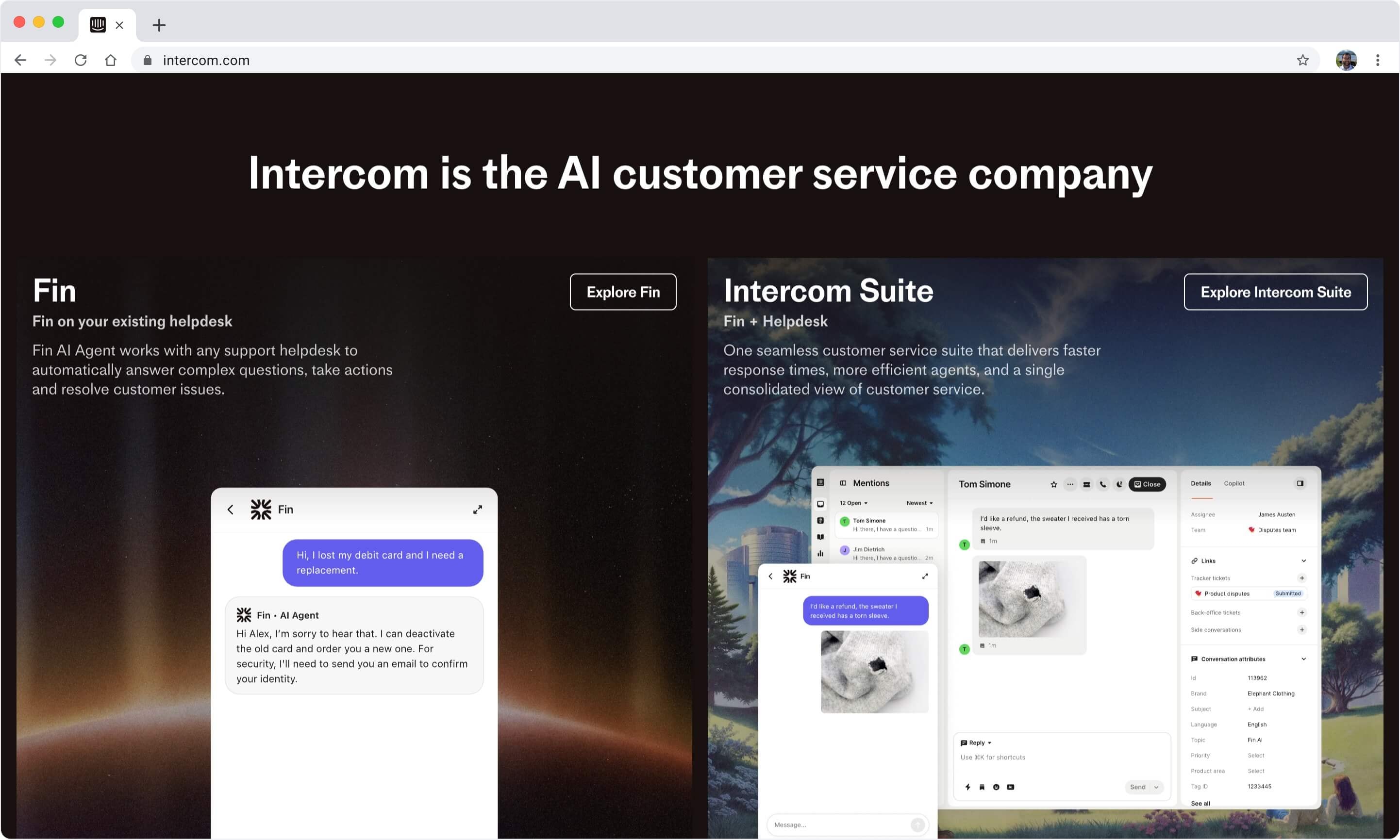
Intercom is a strong tool for talking to customers. You can use it for live chat, email, and messages inside your app. Intercom helps you guide customers and answer their questions. You can also send updates. Many big businesses use Intercom because it has smart automation and personalisation. If you want a tool that grows with your business, Intercom is a good pick.
Features
Live chat: Chat with customers on your website or app.
Bots and automation: Use chatbots to answer questions, deliver personalised support, and efficiently handle customer queries and collect leads.
Custom messaging: Send messages based on what users do.
Help centre: Make help articles for customers to read.
Product tours: Show new users how things work step by step.
Inbox management: Keep all chats in one place and support multichannel communication for seamless customer engagement.
Integrations: Connect with over 300 apps, like Salesforce and Slack.
Analytics: Track what users do and how chats go.
Pricing
Intercom does not show all prices on its website. You can start with a basic plan and add more features if you need them. Most businesses pay for the number of users and features.
Pros and cons
Pros:
Smart automation and bots
Great for sending personal messages
Works on web, app, and email
Cons:
Can get pricey if you add more features
Some features are tricky to use
Prices are not always clear
9. Zendesk
Overview
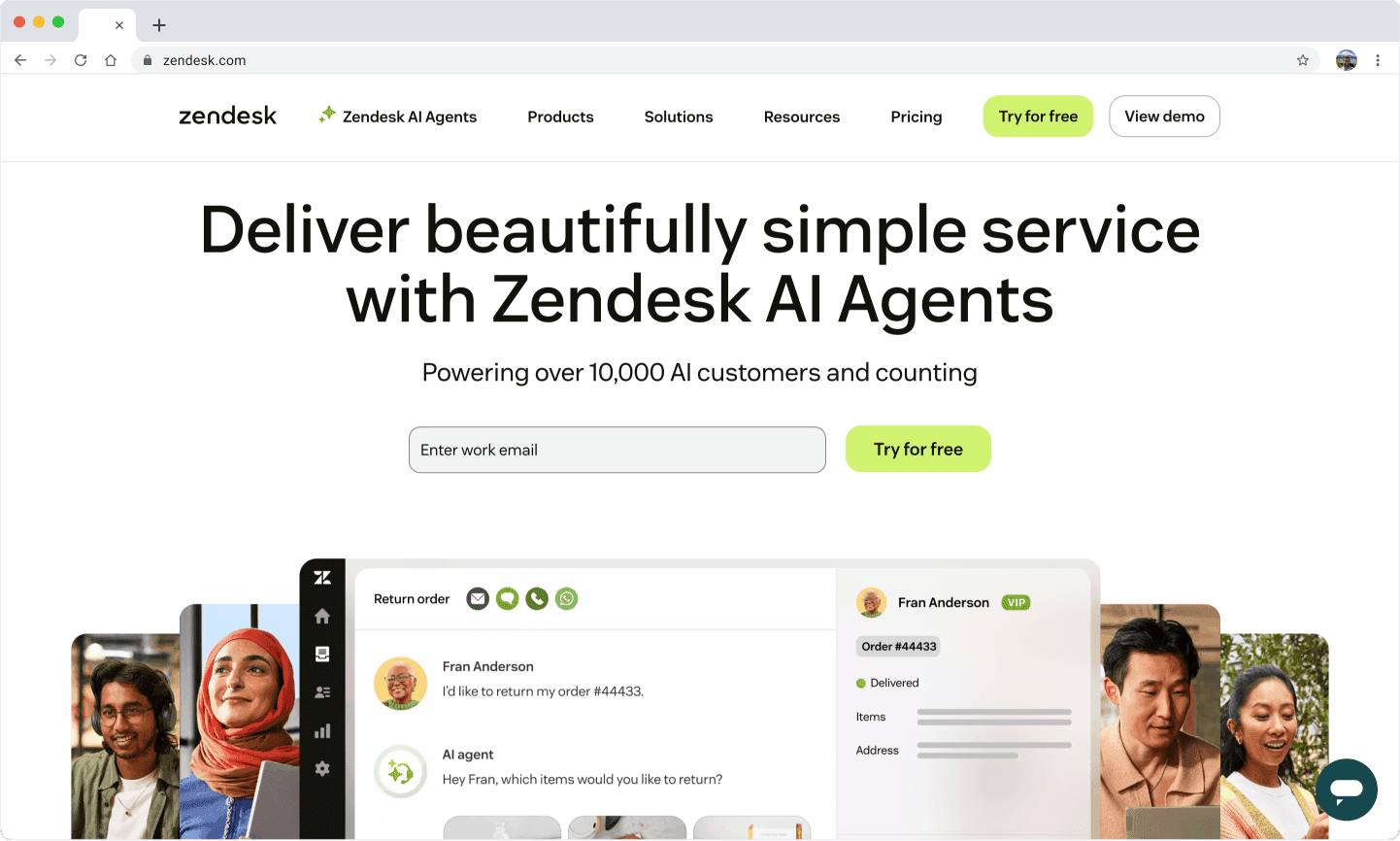
Zendesk is a famous tool for customer support. You can use it for live chat, email, phone, and social media. Zendesk helps you manage tickets and keep track of problems. It also helps you make customers happy. Many big companies trust Zendesk because it is strong and reliable. If you want a tool that works with lots of channels, Zendesk is a smart choice.
Features
Omnichannel support: Chat, email, phone, and social media in one place to improve customer communication across platforms.
Ticketing system: Turn every message into a ticket to track it.
Automation: Set rules to send tickets and replies, streamlining support processes for efficiency.
Knowledge base: Make help articles for customers to read.
Reporting and analytics: See how your team is doing and find trends.
Integrations: Connect with over 1,000 apps, like CRM and e-commerce.
Customisation: Change how things work to fit your needs.
AI-powered tools: Use bots to answer common questions and help your team.
Pricing
Zendesk does not have a free plan, but you can try it for 14 days. Prices change based on features and how many agents you have.
Pros and cons
Pros:
Works with many channels
Strong ticketing and automation
Good for big teams
Cons:
No free plan
It can be hard to set up at first
The price goes up with more agents
10. Help Scout
Overview
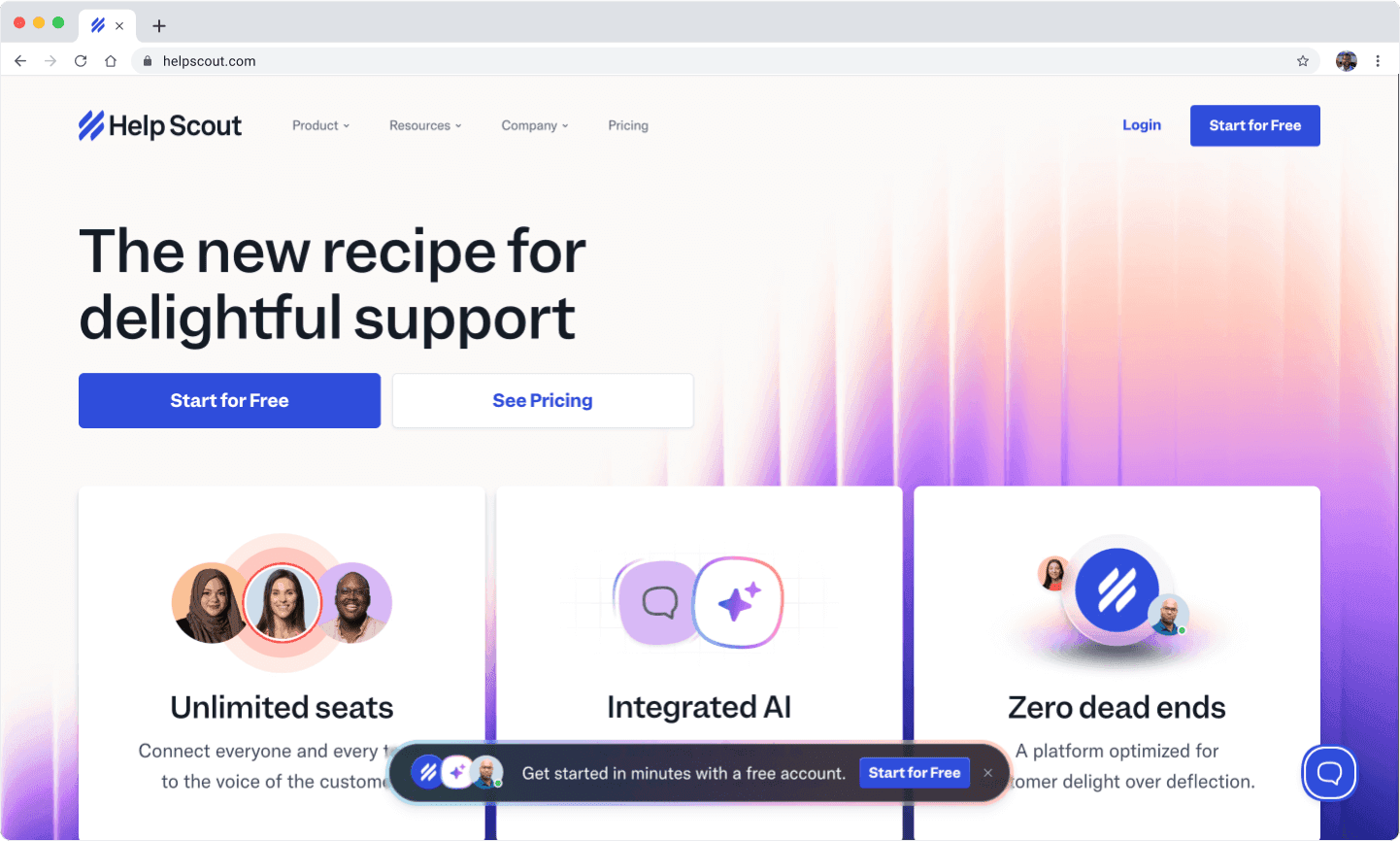
Help Scout gives you a simple way to manage customer emails and chats. You can use it to keep all your support messages in one place. Many small businesses and non-profits like Help Scout because it feels like email but works for teams. You do not need to learn a lot of new things. You can start helping customers right away.
Features
Shared inbox: Your team can see and reply to all customer emails together. You never lose track of a message.
Live chat: Add a chat widget to your website. You can answer questions as people browse.
Knowledge base: Build a help centre with answers to common questions. Customers can help themselves before they contact you.
Customer profiles: See each customer’s history and details, including unlimited chat history for every conversation. You know who you are talking to every time.
Reporting: Track how fast you reply and how happy your customers feel.
Integrations: Connect with tools like Slack, HubSpot, and Salesforce.
Pricing
Help Scout does not have a free plan, but you can try it for 15 days. After that, you pay per user each month. The price depends on the features you want.
Pros and cons
Pros:
Easy to use if you know email
Good for small teams and non-profits
Strong knowledge base
Cons:
No free plan
Live chat is basic
Fewer automation options than some Tidio alternatives
11. Kustomer
Overview
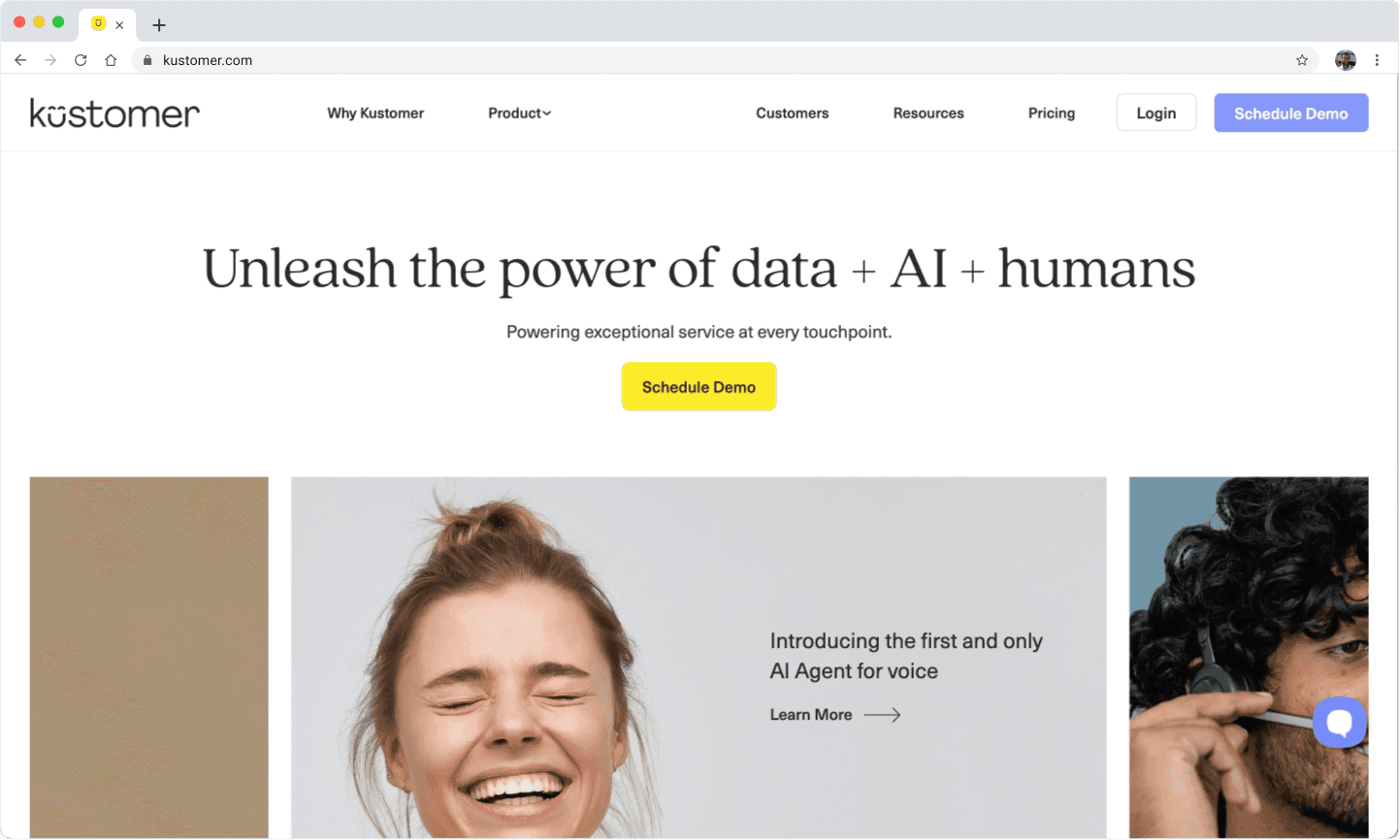
Kustomer helps you manage all your customer conversations in one place. You can use it for chat, email, social media, and SMS. Big retail brands and large teams often choose Kustomer because it handles lots of messages at once. You get a full view of each customer, so you can give better support.
Features
Omnichannel inbox: See every message from every channel in one timeline, improving the overall customer service experience by consolidating all channels. You never miss a chat, email, or tweet.
Automation: Set up rules to route messages and reply to common questions. You save time and work faster.
Customer timeline: View every order, chat, and note for each customer. You always know their story.
AI-powered tools: Use bots to answer simple questions and help your team.
Integrations: Connect with Shopify, Salesforce, and other business apps.
Reporting: Track team performance and customer satisfaction.
Pricing
Kustomer does not offer a free plan. You pay per user each month. The price is higher than most, but you get advanced features.
Pros and cons
Pros:
Handles many channels at once
Strong automation and AI tools
Great for large teams and retail
Cons:
No free plan
Higher price than most
Can feel complex for small teams
Choosing the right solution
Assessing needs
You want a customer service platform that fits your business, not just any tool. Start by looking at what your customers expect and what your team needs. Research from Harvard Business School shows that 66% of customers want you to understand their needs.
If you do this well, 91% are likely to buy from you again. You can learn about your customers by watching how they use your site, asking open questions, and trying out different support methods. Kantar’s research also says you should look at who your customers are and what they buy. This helps you pick a platform that matches your business goals.
Ask yourself:
What channels do your customers use most?
Do you need automation or live chat?
How many people will use the platform?
What problems do you want to solve?
Matching features
Once you know your needs, check which platforms offer the right features. Not every tool will fit your business. Some have strong chatbots, while others focus on live chat or deep analytics. Make a list of must-have features, such as:
Multichannel support (WhatsApp, Messenger, web chat)
AI agents or chatbots
Integration with your CRM or sales tools
Reporting and analytics
Easy setup and use
You can use a table to compare features side by side. This makes it easier to see which Tidio alternatives match your needs. If you want to grow, look for platforms that let you add more users or channels without extra hassle.
Pro tip: The best platform is the one that solves your biggest problems, not just the one with the most features.
Cost and scalability
Think about how much you want to spend now and as your business grows. You do not want costs to rise too fast when you add more customers or agents. Studies show that scalable platforms help you grow without big jumps in cost. Here are some key points:
Scalable solutions let you serve more customers without hiring lots of new staff.
You spread fixed costs over more users, so each customer costs less.
This boosts your profits and makes your business more attractive to investors.
Automation and integration help you manage growth without losing quality.
Check if the platform charges per user, per chat, or by features. Pick one that fits your budget and can grow with you. Cue, for example, offers flexible plans and advanced automation, making it a smart choice for businesses that want to scale.
Conclusion
Cue is the best choice
You have seen how many customer service tools try to solve your business problems. Some focus on live chat. Others offer ticketing or simple bots. When you look at all the Tidio alternatives, Cue stands out for real reasons.
You get advanced AI agents that answer questions day and night.
Chatbots work across WhatsApp, Messenger, and your website.
The shared inbox keeps every message in one place.
You can set up Cue without coding.
Analytics show you what works and what needs fixing.
Pricing stays fair as you grow.
Cue helps your team do more with less effort. You save time because automation handles the simple stuff. Your agents focus on real problems. This means faster replies and happier customers. You control every part of the process.
Get a free demo of Cue
Ready to see how Cue fits your business? You can book a free demo with the Cue team. They will show you how Cue works for your industry. You will see real examples and get answers to your questions. The demo is quick and easy. You do not need to prepare anything.
Visit Cue and click "Get a free demo".
Choose a time that suits you.
Tell the team about your business needs.
Get a walkthrough of features that matter to you.
You have plenty of Tidio alternatives to choose from, each with its strengths. Some work better for small teams, while others suit bigger companies. If you want a platform that saves time, boosts sales, and keeps customers happy, Cue stands out. You get smart automation, clear analytics, and easy setup. Ready to see how Cue can help your business? Book a free demo and find out for yourself.
Frequently asked questions
What makes a Tidio alternative better for growing businesses?
Can I switch from Tidio to another platform without losing data?
How do chatbots in Tidio alternatives improve customer support?
Why should I book a demo before choosing a Tidio alternative?
About the author

Kirsten Gentle
Performance Manager
Kirsten Gentle is fascinated by how customer service actually works once real conversations start arriving. At Cue, she works closely with service teams across WhatsApp, email and live chat, looking at what changes when a business moves from juggling channels to running them properly. She writes about the practical side: routing, response times and the handovers in between.
Further reading

WhatsApp or SMS: how to choose for business messaging
Cost, message length, consent and delivery states compared, without the unsourced open-rate statistics, plus which channel fits which job.
Read the guide
Intercom alternatives: an honest comparison for customer service teams
What Intercom costs in 2026, how Fin's per-outcome pricing works, and which alternative suits which kind of team.
Read the guide
AI agents vs chatbots in automotive customer service
The real difference between a chatbot and an AI agent, and what it means for automotive customer service today.
Read the guide
