Customer service software for multi-location teams
Each site keeps its own mailbox, its own team and its own queue. Head office gets one routing structure, one set of answers and reporting across the group. Cue brings WhatsApp, email and live chat for every location into the same platform, without asking your sites to work the way head office works.

Inbox
Team: Bristol
Service booking
Reply needed · 4m
Invoice query
bristol@ · 22m
Opening hours
Answered from knowledge
Live chat
Groups and networks running Cue across every site


Centralise everything and the sites push back, because they know their customers and their diary. Leave it alone and the variation stays, and head office finds out there was a problem when the complaint arrives.
Retail · Bristol store
A shared mailbox on a rotation
Two people open the same email, or nobody does, and there is no queue to tell you which.
Clinic · Leeds
A chat widget nobody watches
It opens at nine, gets answered when someone has a minute, and closes itself overnight.
Dealership · Cardiff
WhatsApp on a personal phone
The manager knows every customer by name. When he leaves, the conversations leave with him.
Head office
A spreadsheet, updated monthly
No way to tell which site is slow, and no fair basis to compare them even if you could.
The operating problem does not change with the sector. Customers contact the site, head office carries the standard, and nobody can see both at once. What changes is the workflow layered on top, and that is the part Cue configures per group.
Dealer groups and OEM networks run reminders, approvals and post-service surveys site by site, connected to the dealer management system. CSI and NPS are measured across the whole network, and the manufacturer rebate follows those numbers. Same structure, a deeper workflow on top.
Routing per dealership, reporting per group
Connected to the dealer management system you already run
Approvals, reminders and surveys on WhatsApp
Cue for dealer groups
Retail
Stores and regional teams. Enquiries reach the store that can actually answer, and head office sees every branch on one queue.
Education
Campuses, faculties and departments. Admissions and student enquiries routed by department instead of piling into one inbox.
Travel and leisure
Venues and sites. Booking questions and on-the-day changes handled by the site the customer is actually going to.
Real estate
Branches and lettings teams. Viewing and listing enquiries routed to the branch that holds the property.
Every location gets its own mailbox, its own team and its own queue. WhatsApp, email and live chat all land in that same structure, so a site works one list instead of four. Head office sets the routing rules, the templates and the knowledge behind the answers. Each location keeps its own front door and its own people.
A mailbox per site
Separate addresses for departments, locations or use cases, each routed to a different team and its own workflow.
A team view per site
A location’s team sees its own queue and nothing else. Supervisors and workspace owners see across every team.
One WhatsApp, routed by site
One group number your customers recognise, with the conversation handed to the branch that can actually help.
One platform
One platform for calls, WhatsApp, email and chat
Cue is one customer communications platform for phone calls, WhatsApp, email, web chat and Messenger. Every channel runs on the same inbox, the same customer record and the same Flows, so your team works from one queue and customers never have to repeat themselves. No separate phone system, no extra inboxes, no switching between tools. Calls route to the right site alongside its own mailbox and queue, and head office sees calls and messages across the group in one view.
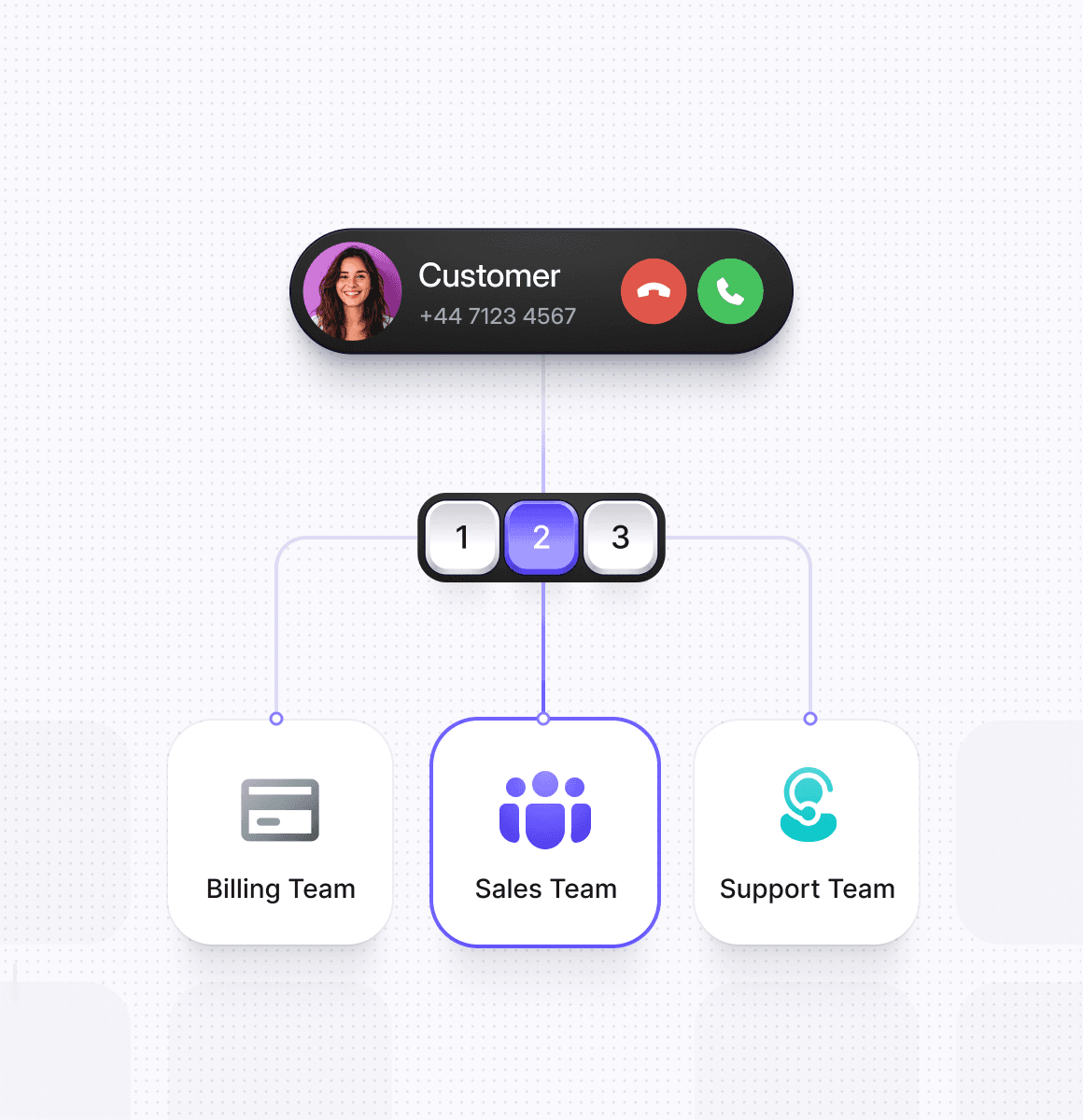
Route calls to the right site, not the switchboard
Calls come into the same workspace as your WhatsApp, email and chat conversations. Route callers by department, team or site, answer and transfer from Cue, call customers back from any conversation, and keep the recording and transcript on the customer record.
 Inbound routing by department, team or site
- Callbacks from any WhatsApp, email or chat conversation
- Recordings and transcripts saved with the conversation
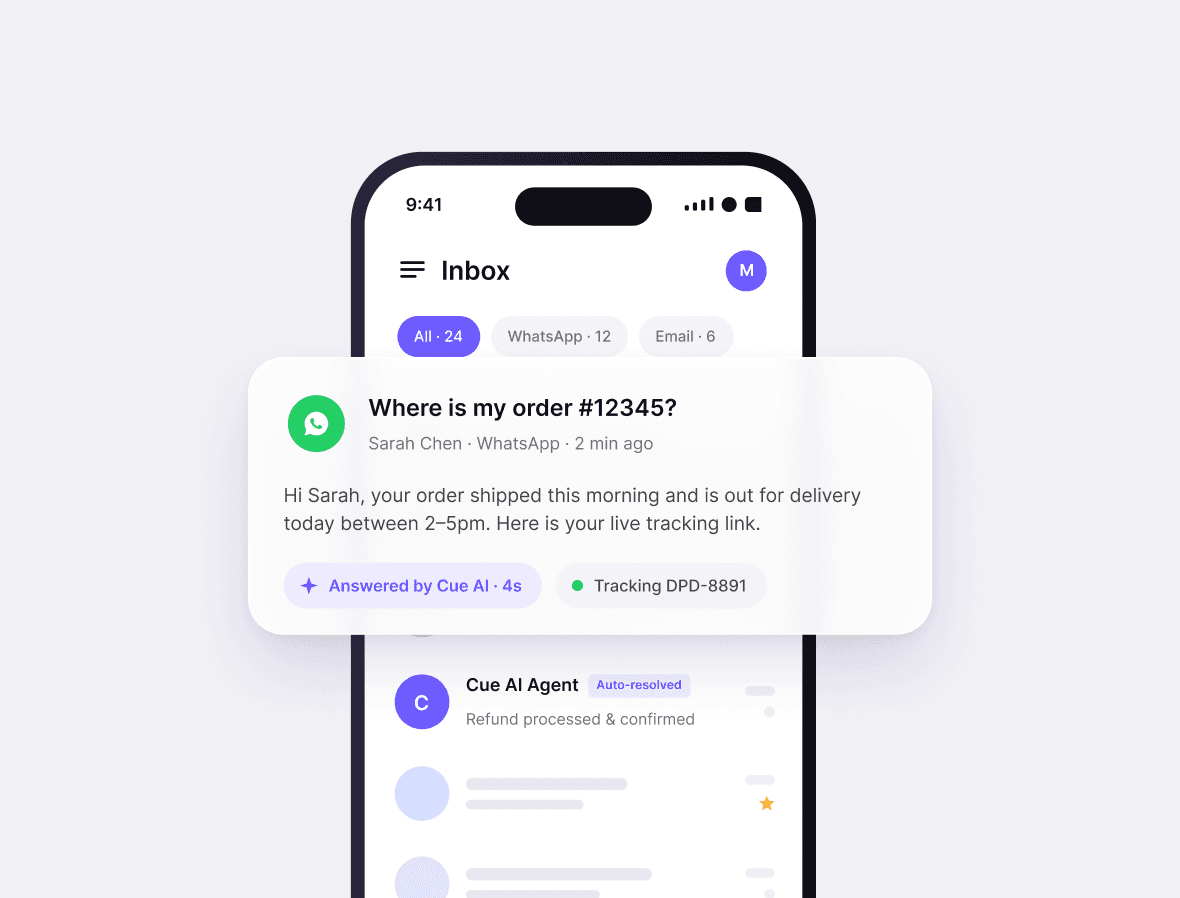
WhatsApp customer service
Your team answers from one WhatsApp Business number together, with templates for proactive messages, broadcasts for one-to-many sends, and AI or Flow journeys handling the routine questions before a person steps in.
- Several agents on one WhatsApp Business number
- Templates, broadcasts and proactive sends
- Chatbot journeys with handover to a person
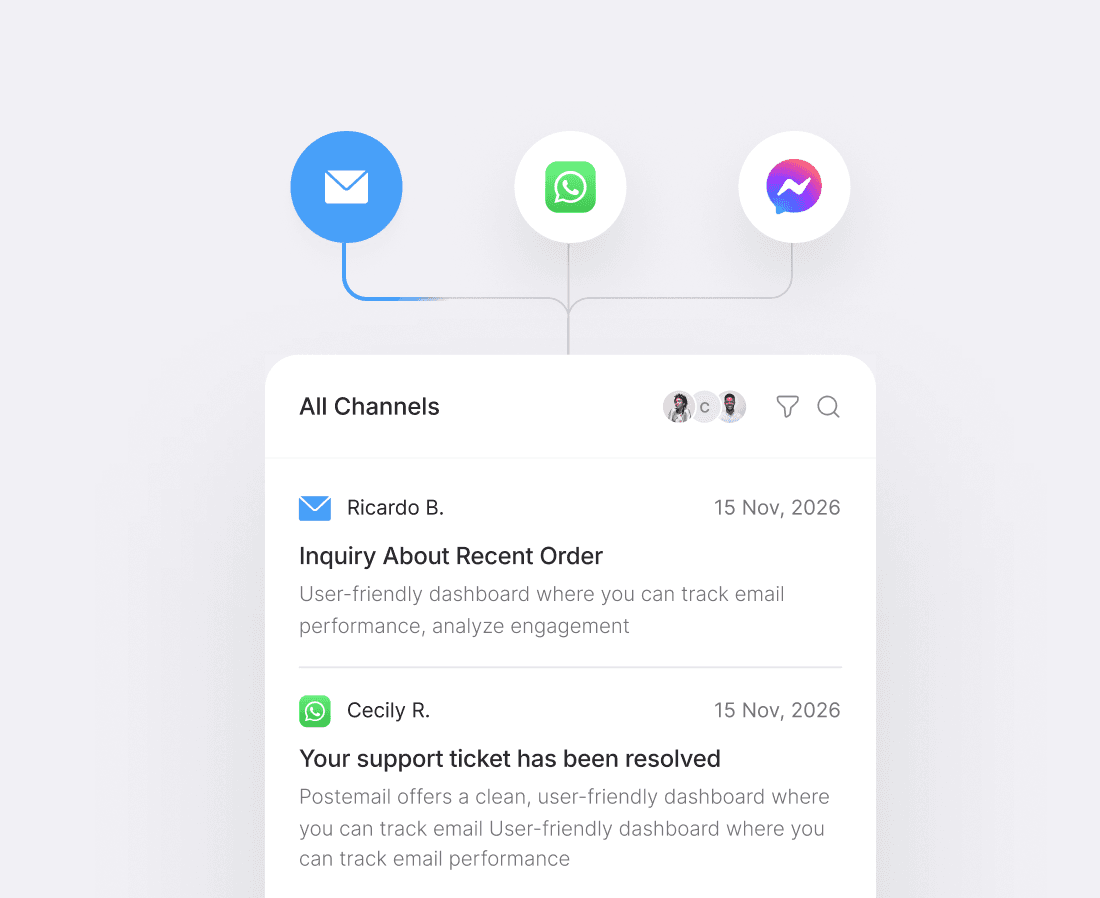
Shared email inboxes, routed to the right team
Bring your sales, support and department mailboxes into Cue. Every email goes to the right team, gets an acknowledgement straight away, and sits on the customer record next to their calls and chats.
- Shared mailboxes per team, site or department
- Automatic routing and acknowledgement
- Email history on the same customer record
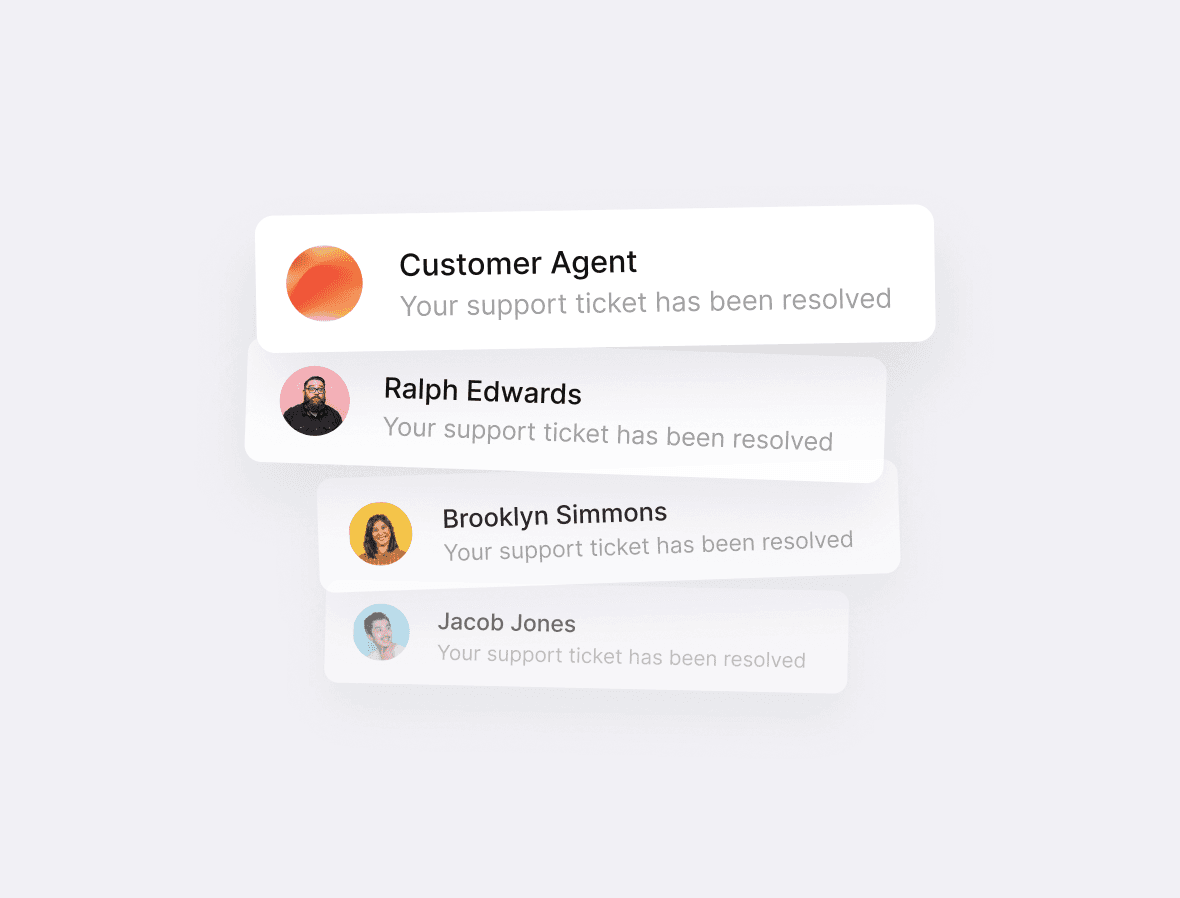
Live Chat on your website
Answer website visitors while they're still on the page. AI Agents handle the common questions around the clock and pass anything else to your team in the same inbox.
- Chat widget for your website
- AI Agents that answer 24/7
- Handover to a person in the same inbox
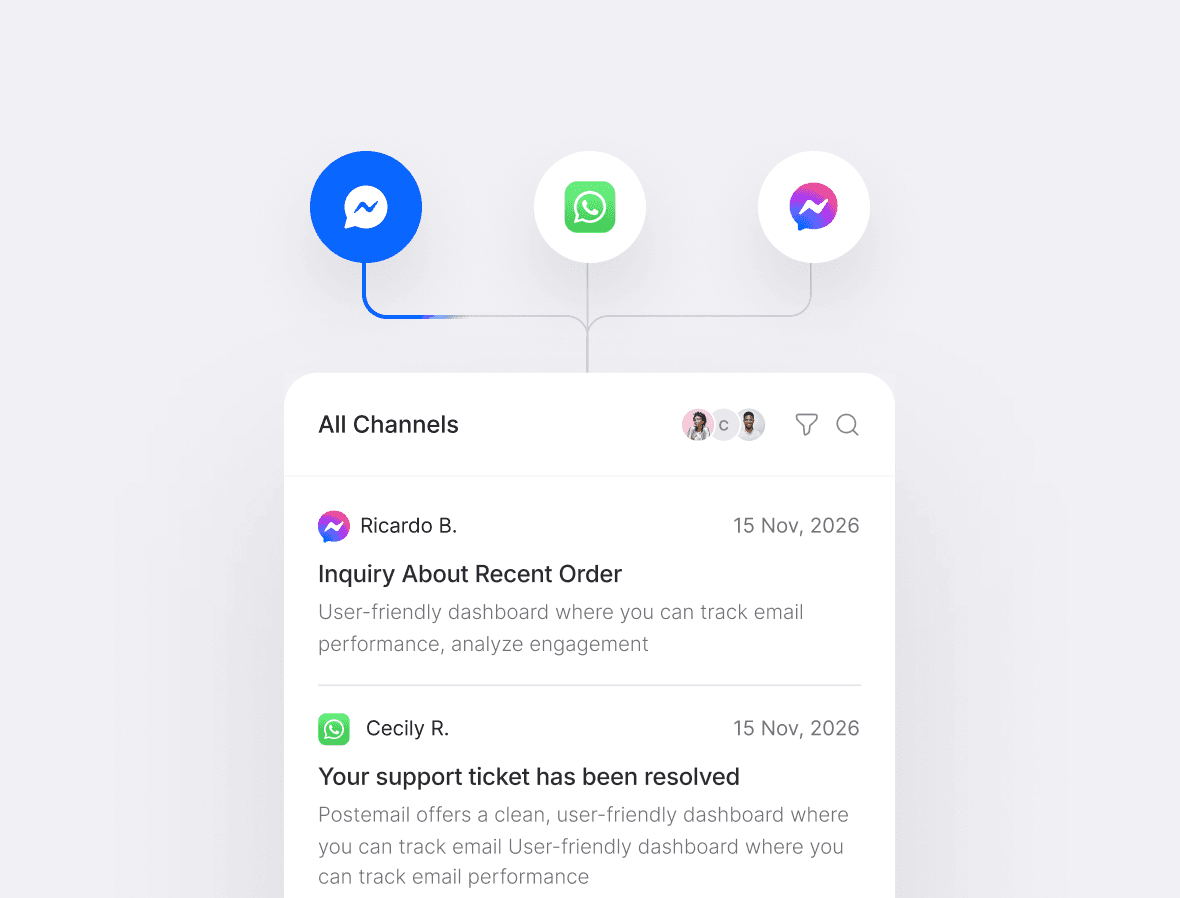
Facebook Messenger in your inbox
Reply to Facebook messages from Cue instead of a separate app. Messenger conversations get the same routing, chatbots and reporting as every other channel.
- Messenger in the shared inbox
- The same routing and chatbots as other channels
- Reported alongside every other channel
Cue sends an enquiry to the right location three ways. The channel it arrived on, what the customer tells you at the start, or data from your own systems. Once it lands, the work is shared across that team automatically. Nothing sits unassigned.

Auto-Assign shares conversations out by round robin or by who is least busy. It only picks from the people on that team, in that role, who are actually online.
Head office sees active contacts, open tickets, conversation volumes and channel share across the group. Live chat performance breaks down by rep, team, tag or channel. Every location is measured on the same queue and the same definitions, so the comparison between sites is a fair one.
One definition of a reply
Every site is measured on the same queue, so a slow location is slow for a real reason rather than because it counts differently.
Per site, per team, per channel
Filter live chat performance by rep, team, tag or channel without exporting anything.
Nobody has to compile it
The group view is the same data the sites are already working in, not a monthly return somebody types up.


Send a WhatsApp broadcast to one location’s contact list, personalised with the customer’s own details. Schedule it, or send it now. Replies come back into that site’s queue, not a marketing inbox nobody watches. Templates are approved centrally, so a regional offer still goes out in the group’s words. This is service messaging and individual outbound. Bulk marketing email stays wherever you run it today.
One location’s list, not the group’s
Pick the contacts that belong to that site, so a Cardiff offer reaches Cardiff customers only.
Approved templates, local words
The template is signed off centrally and personalised per customer, so a regional message still sounds like the group.
Replies land in the site’s queue
Not a marketing inbox nobody watches. The branch that sent it handles the answers.

Cue’s AI Agents answer routine questions from content you maintain: your own documents and website pages. Opening hours, policies and process answers stay the same whoever is on the desk. Anything that needs judgement goes to a person at the right site, with the conversation history attached.


One knowledge source, maintained centrally
Update the answer once and every location gives it. No site-by-site scripts, and no version of the policy that only one branch knows about.
Where the AI stops, the site takes over
AI Agents answer from the knowledge you give them. They do not look up an order or update a system. Anything beyond a question goes to the team at the location the customer contacted, with everything already said attached.
Out of hours stops being a dead end
Routine questions get answered whenever they arrive, and anything else is queued for the site rather than lost in an unread mailbox.
Two customers, two different shapes of the same problem. One network comparing sites on the same queue, one business taking the routine volume off the desk entirely.
196%
increase in customer response rates, Stellantis network
+14
point NPS improvement, Stellantis network
82%
of common customer questions answered by AI, Payflex
A network measured on the same queue
Stellantis brands moved customer conversations onto channels people actually reply on. Every site reports into one structure, so performance across the network can be compared rather than guessed at.
The routine volume, off the desk
Payflex put its maintained knowledge behind Cue’s AI Agents. The questions that arrive hundreds of times a week are answered straight away, and the team sees only what needs a person.
The same sites and the same people, working to one structure that head office can finally see.
01
Nothing sits unowned
Every conversation lands in a queue with a team attached, and Auto-Assign gives it to a person.
02
Sites are compared fairly
One queue structure and one set of definitions, so a slow site is visible for the right reason.
03
Customers stay with you
Conversations, history and context belong to the company, not to the phone in somebody’s pocket.
04
New sites start ready
It inherits the routing, the templates and the knowledge on day one.
A new site needs its own mailbox, its own team, and a place in the routing. The knowledge, the templates and the reporting structure already exist, so the new location starts from the group’s operating model rather than inventing its own.

Give it a front door
Its own mailbox, and its place on the group WhatsApp number.
Give it a team
Add the site’s people, set the team view and turn on Auto-Assign.
Put it in the routing
It inherits the group’s templates and knowledge from day one.
What operations leaders ask before a rollout, answered before you have to ask them.
Yes. Cue supports a separate email address per location, routed to that location's team and its own workflow, with a team view so the site sees its own queue. A customer emailing a branch reaches that branch.
Not covered here?
A walkthrough on your own sites, your own channels and your own routing will get to it faster than an email thread. Thirty minutes, no preparation needed.

