
Last updated
Kirsten Gentle
Alternatives

Let's be honest. You probably didn't start your business to become a customer service software expert. You have products to sell, teams to manage and a bottom line to protect. Yet here you are, weighing up platforms that seem built for enterprise buyers, not customer service managers.
Many businesses need customer service tools that simply work. No dedicated IT team, no long buying cycle. Your customers want quick answers. Your team wants simple tools. And your budget needs to be predictable.

Comparison table of the top 10 Drift alternatives
When you look for Drift alternatives for customer communications, you want a tool that delivers real results.
Alternative | Key Features | Pricing |
|---|---|---|
AI Agents, Live Chat, Broadcasts, Chatbots, Multichannel Inbox, Analytics | £249/unlimited users/month | |
Customer communications, proactive marketing, automation | Starter plan at £675/year; custom pricing | |
Shared inbox, chatbots, multi-channel, knowledge base | Free plan; paid plans from £19/month | |
Ticketing, live chat, help centre, integrations | Suite plans from £39/agent/month | |
Shared inbox, automation, integrations, analytics | Plans from £45/user/month | |
Omnichannel support, AI, CRM integration | Custom pricing | |
Live chat, email marketing, popups, automation | Plans from £11/user/month | |
Live chat, chatbots, integrations, reporting | Plans from £15/agent/month | |
Ticketing, automation, multi-channel, self-service | Free plan; paid plans from £15/agent/month | |
Live chat, automation, reporting, integrations | Plans from £22/agent/month |
Why Switch from Drift?
Many businesses like yours start with Drift for customer service. Soon, you may notice some challenges. Drift now comes with a mystery price tag. If you run a small or medium-sized business, the cost can be hard to justify, especially as your team grows.
The options can feel overwhelming, with too many features you may never use. All that complexity can slow your team down. It can also make it harder to train new staff.
Here are the main reasons you might consider switching:
Lower costs: Many Drift alternatives for customer communications offer clear pricing and better value for money.
Simpler interface: You want a platform your team can learn quickly and use every day without hassle.
Advanced automation: Modern AI and chatbots can resolve most routine queries at once.
Better integrations: Smooth links with your existing tools help you give faster, more personal service.
SME focus: Some platforms are built for small and medium-sized businesses, with the support and flexibility they need.
A good Drift alternative offers fair pricing, more ways to customise, and flexibility through API integrations and strong AI. That makes it a fit for small to medium-sized businesses, not just enterprise sales teams.

1. Cue
Overview
Cue offers a modern approach to customer service. It is built for businesses that want to automate routine tasks and give fast, personal support. You can manage all your conversations from one dashboard, whether they come through WhatsApp, Messenger, web chat or email. Cue is a strong alternative to Drift because it is automated, flexible and easy to use.
Cue pairs AI with human expertise. You can resolve queries quickly and keep customers happy. The platform adapts as your business grows. That makes it a strong choice for companies of any size looking for Drift alternatives for customer communications.
AI Agents
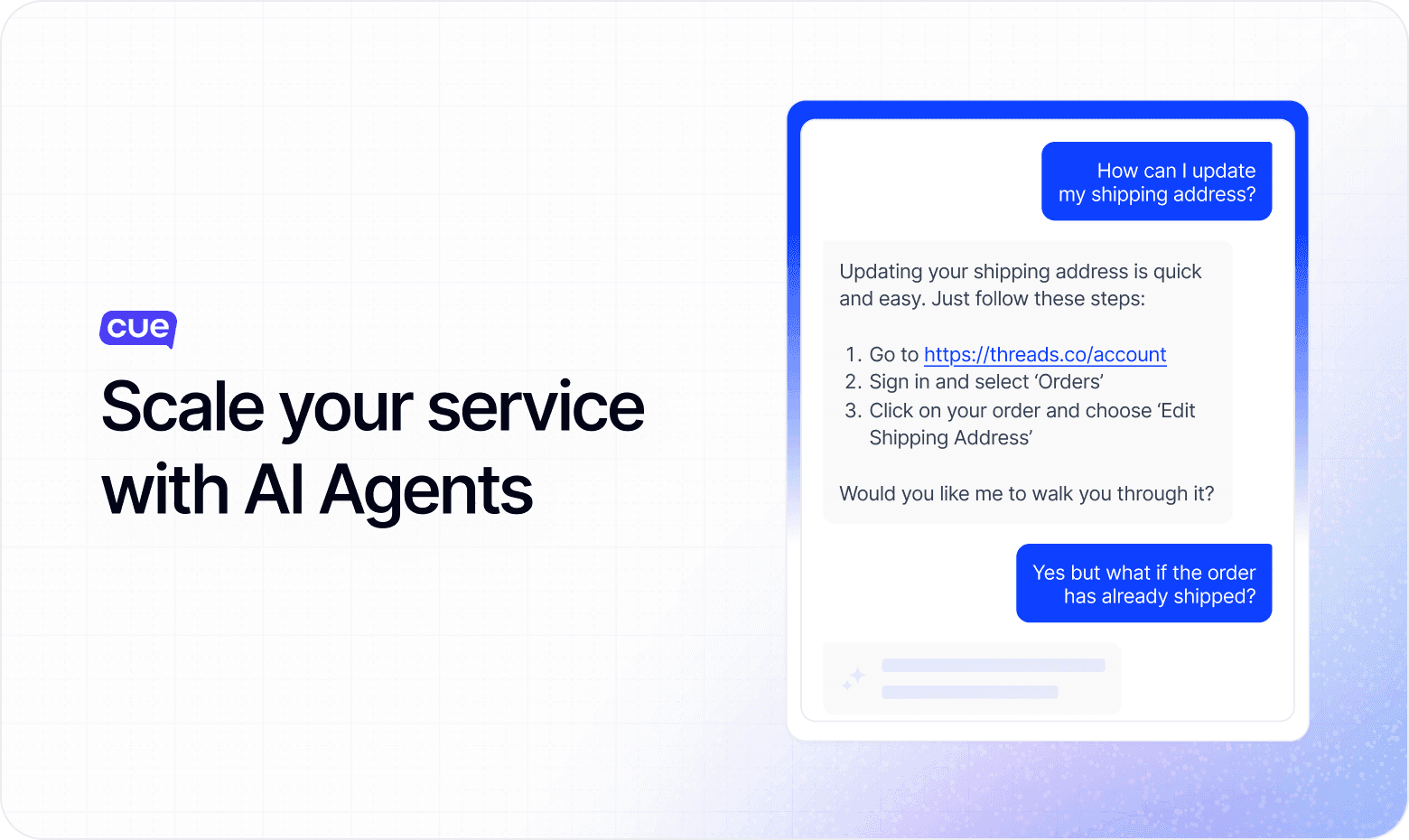
Cue’s AI agents change the way you handle customer service. They work around the clock, answering common questions and guiding customers through their journeys. You can rely on AI agents to handle high volumes of enquiries without delay. Your team can then focus on complex or sensitive issues that need a human touch.
AI agents also streamline your workflow. They bring all your tools and information into one workspace, with automated chat built in. You spend less time searching and more time helping customers.
With instant access to customer details and suggested replies, your team can resolve issues faster. First-call resolution rates improve as AI agents guide conversations. That means fewer repeat contacts and happier customers.
Here’s how Cue’s AI agents boost your efficiency:
Automate routine enquiries, freeing your team for complex tasks.
Use automated messages to engage customers and save time.
Direct queries to the right agent, cutting wait times.
Give instant access to customer information and suggested replies.
Spot performance gaps and help you allocate resources well.
Improve first-call resolution, so customers get answers the first time.
Features
Cue packs a wide range of features to support your customer service goals. You get a multichannel inbox, so you never miss a message, wherever it comes from. Live Chat lets you talk to customers in real time. Broadcasts help you send targeted updates and promotions that get noticed. Chatbots guide customers through personal journeys, capture intent and route them to the right team.
You can customise chat widgets to match your brand. Analytics let you track performance across every channel. Cue handles high volumes, so you can scale your support without losing quality. The system also plugs into your existing tools, so all your data stays in one place.
Pros and cons
When you compare Drift alternatives for customer communications, you want a clear picture of what each platform offers. Cue stands out because it is automated, flexible and easy to use. Here is a balanced look at the main pros and cons:
Pros:
Powerful automation: You can automate up to 96% of customer queries with AI agents and chatbots. This cuts manual work and speeds up replies.
Unified dashboard: You manage all conversations in one place, whether they come from WhatsApp, Messenger, web chat or email. You stay organised and never miss a message.
Scalable for any business size: Cue adapts as your business grows. You will not outgrow the platform.
Customisable service packages: Cue offers service packages that bundle support, automation, analytics and customer management tools to suit different needs.
Customisable chat widgets: You can match the chat interface to your brand for a seamless customer experience.
Real-time analytics: You get insights into team performance and customer trends, so you can make better decisions.
Seamless human handover: When a query needs a personal touch, agents can step in at once without disrupting the conversation.
Proven results: Cue has helped brands cut service costs, boost response rates and improve customer satisfaction.
Cons:
Learning curve for advanced features: If you want to use all the automation tools, you may need some initial training.
Custom pricing: You need to contact Cue for detailed pricing. This may not suit those who prefer instant online quotes.
Pricing
Cue offers a transparent and scalable pricing model. You pay for what you need, with no hidden fees or surprise charges. The platform supports businesses of all sizes, from start-ups to large enterprises.

2. Intercom
Overview
Intercom gives you a modern way to manage conversations. You can use it to reach customers across many channels, including chat, email and social media. Intercom focuses on real-time messaging, so you can respond quickly and keep customers happy.
Intercom is a strong choice if you want to combine automation with a personal touch. It works well for both small teams and larger companies. It is simple to use, so your team can get started without much training.
Features
Intercom offers a full set of features to help you give great customer service. You can see how it compares to Drift:
Live Chat & real-time messaging for website and in-app conversations.
Helpdesk & ticketing with a self-service knowledge base.
AI-Powered automation (Fin AI Agent) to handle common queries.
Workflow automation & reusable workflows across teams.
Targeted messaging & segmentation triggered by user behaviour.
Integrations with popular tools like Slack, Salesforce, HubSpot, Jira and other marketing tools.
Centralised multichannel messaging across live chat, email and other channels.
Pros and Cons
Pros | Cons |
|---|---|
Easy to set up, with a simple interface | Pricing can be complex and costly as you scale |
Strong automation, including AI and workflows | Advanced features often need higher-tier plans or add-ons |
Multichannel support with all messages in one place | Customer support can be slow, and onboarding can be complex |
Deep insight into conversations through analytics and combined data | Analytics and email customisation can feel limited |

3. Crisp
Overview
Crisp offers a modern customer service platform for managing conversations across many channels. You can chat with customers in real time, automate replies and keep your team organised.
Many small and medium-sized businesses choose Crisp because it is easy to set up and use. The platform focuses on simplicity. It is a strong option if you want to improve support without a steep learning curve.
Features
One live chat widget that brings website, mobile app, email and social conversations (e.g. WhatsApp, Messenger, SMS) into one shared inbox.
Customisable chat interface to match your brand.
Canned responses, typing indicators and quick replies to boost agent efficiency.
Multimedia support: send images, videos and files for clearer messages.
Chatbot and automation workflows with triggers for common queries, bookings and FAQs.
Built-in co-browsing, video, audio and screen-sharing tools.
Basic analytics: chat volume, response times, satisfaction metrics.
Pros and Cons
Pros | Cons |
|---|---|
Clean, simple interface that is quick to set up and easy to use | Chatbot and automation setup can have a learning curve |
Unified inbox brings many channels together (chat, email, social) | Advanced automation and AI features may need paid add-ons |
Strong collaboration tools (multimedia, co-browsing, workflows) | Analytics and reporting are basic and may lack depth |
Excellent value: a free tier plus affordable paid plans | Costs can rise with add-ons and advanced triggers |

4. Zendesk
Overview
Zendesk gives you a robust platform for customer service. You can bring every query into one place, so issues are easier to track and resolve. Many businesses choose Zendesk because it supports both small teams and large enterprises.
Zendesk focuses on ticket management, which helps you organise and prioritise requests. The platform supports many languages, so you can serve customers from different regions with ease. Zendesk is also simple to use, so your team can get started quickly.
Features
Brings email, chat, phone (including phone numbers from different providers for international support), messaging apps, web widgets and social media into one workspace.
Rules, macros, triggers, workflows, SLA management, time tracking, escalations and reminders.
Custom views, collision detection, AI-assisted drafting, knowledge base and multi-brand support.
Automated routing based on sentiment, intent and agent skills; AI agents via the Resolution Platform and AI insights hub.
Reporting, dashboards with ticket trend tracking, CSAT/NPS, team performance metrics and custom exports.
Help centres and interfaces in over 40 languages; manage multiple brands in one account.
Pros and Cons
Pros | Cons |
|---|---|
Full, scalable ecosystem, from ticketing to AI automation and analytics | High complexity and steep learning curve for new users |
Powerful omnichannel support with one interface improves agent productivity | Premium features (AI, multi-brand, advanced analytics) are often locked behind higher-tier plans |
Advanced automation (macros, triggers, workflows, SLA rules) saves agent time and cuts manual tasks | Setup and reporting complexity may need dedicated support or consultants |
Rich analytics and reporting give useful insights into performance | Dashboards and reporting can overwhelm smaller teams without analysts |
5. Front
Overview
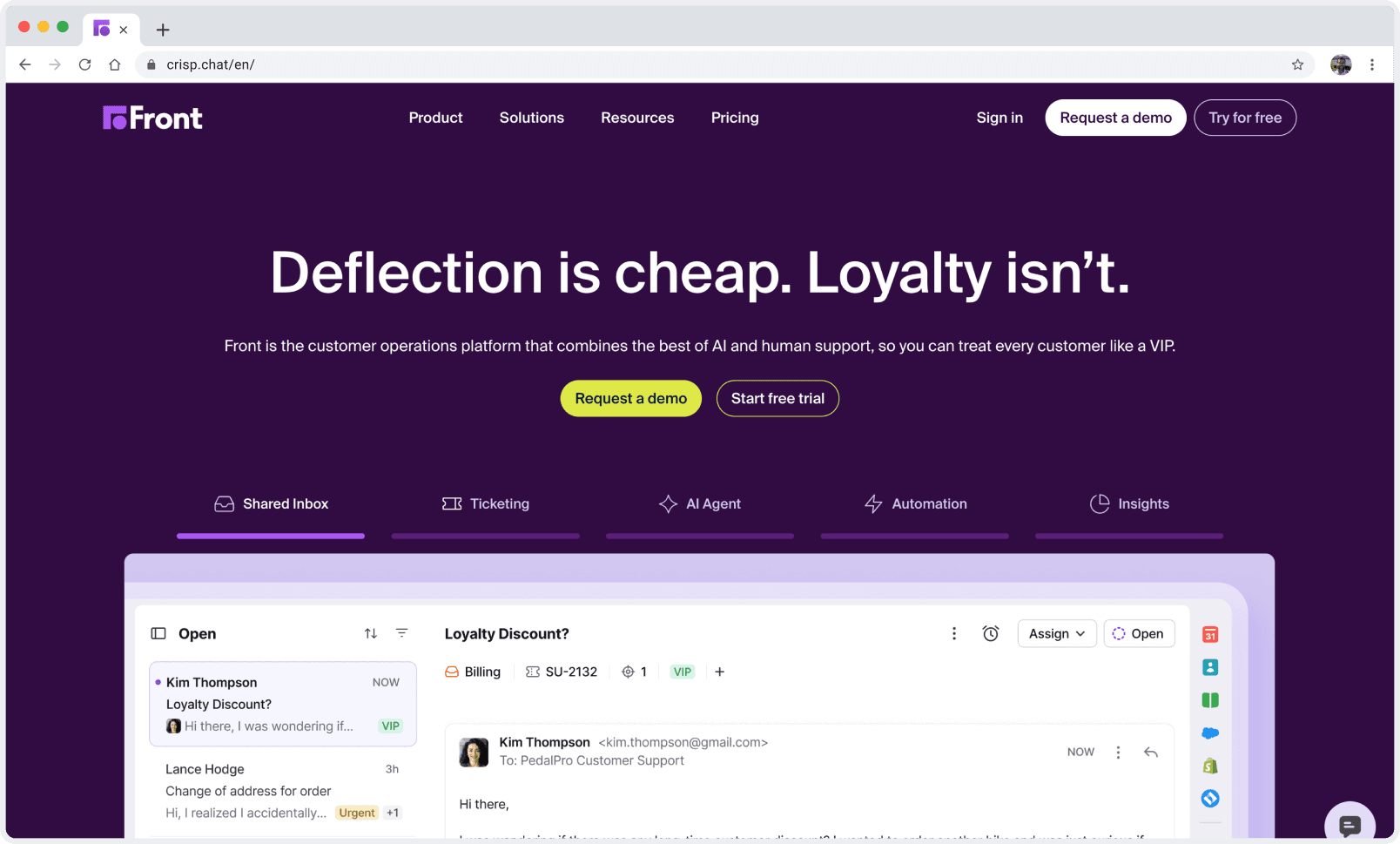
Front gives you a modern way to manage conversations. You can bring emails, live chat and social media messages into one shared inbox. This helps your team stay organised and respond quickly. Many businesses choose Front because it makes collaboration easy.
You can assign messages to teammates, share drafts and work together on replies. This teamwork means customers get fast, accurate answers. Front suits companies that want to work more efficiently and keep all their messages in one place.
Features
Shared inbox that brings together email, SMS, live chat, WhatsApp and social messages (available on Professional and Enterprise plans).
Conversation assignment and internal comments to help teams work together.
AI assistance, including message categorisation (Topics), draft replies (Copilot), Smart CSAT and Smart QA.
Workflow automation and routing rules to manage message distribution and reply priorities, plus sales automation for lead management and follow-up.
Insights and analytics dashboards for customer satisfaction, volume trends and team performance.
Integrations with key tools like Gmail, Outlook, CRM systems and Slack, plus a robust API.
Mobile app for managing messages and assignments on the go.
Pros and Cons
Pros | Cons |
|---|---|
Simple, familiar email-first interface that is quick to adopt | Pricing can be high, and complexity grows with bigger teams or more features |
Powerful collaboration with shared inboxes, drafts, internal comments and @mentions | Learning curve for new users moving from normal email workflows |
Useful AI features (Copilot, Topics, Smart CSAT) boost productivity and insights | Notifications can become overwhelming if not set up carefully |
Brings many channels together (email, SMS, chat, social) | Social media integrations may be limited or need higher-tier plans |
6. Kustomer
Overview
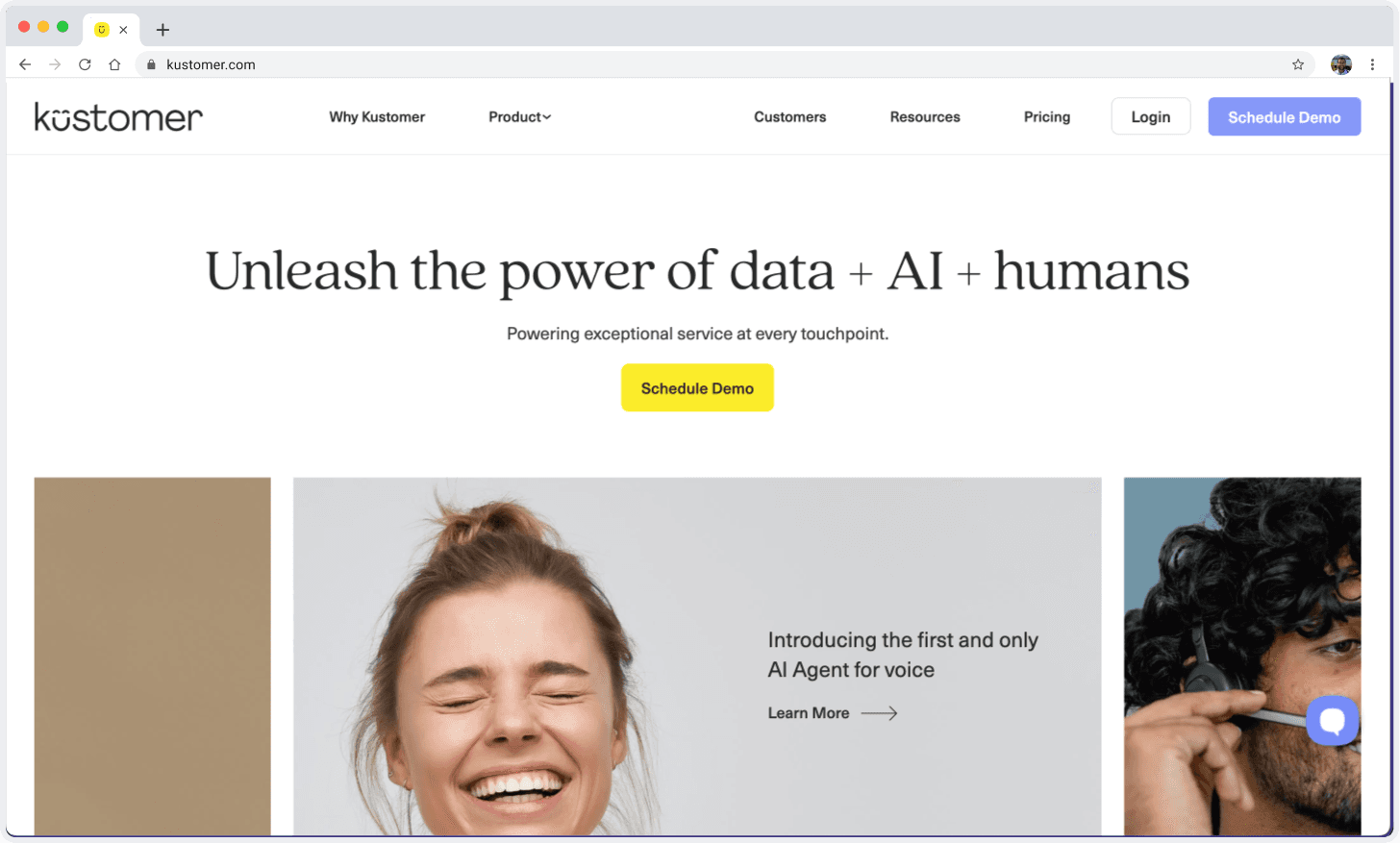
Kustomer gives you a platform built to unify conversations and streamline support. You can manage every interaction from one place, whether it comes through email, chat, social media or phone.
This helps you see the full history of each customer, so you can give consistent service. Kustomer appeals to businesses that want to move beyond old-style ticketing. You get a timeline view of every interaction. This helps your team understand context and respond quickly.
Features
Unified customer timeline that merges email, chat, SMS, social media and more.
AI automation for routing, conversation classification, draft suggestions and streamlined workflows.
Visual workflow builder with conditional branching, custom actions, triggers and API hooks (advanced customisation may need technical skills).
Omnichannel CRM that blends ticketing with customer data for contextual, efficient agent replies.
Real-time dashboards, SLA tracking, staffing forecasts, custom reports and performance analytics.
Self-service tools, including chatbots, an intelligent knowledge base and automated help resolution.
Customisable AI Agent Studio to design tailored AI assistants for reps or direct customer contact.
Pros and Cons
Pros | Cons |
|---|---|
Brings every interaction into one view, so agents see full context at once | Steep learning curve and complex interface can slow onboarding |
Strong AI and automation tools that boost efficiency and cut manual effort | Customisation often needs technical or developer input |
Flexible visual workflows with conditional logic and multi-step actions | Integration options may be limited for some niche tools |
Advanced reporting and real-time performance tracking with visual dashboards | Mobile app features are basic compared to the desktop version |
7. HelpCrunch
Overview
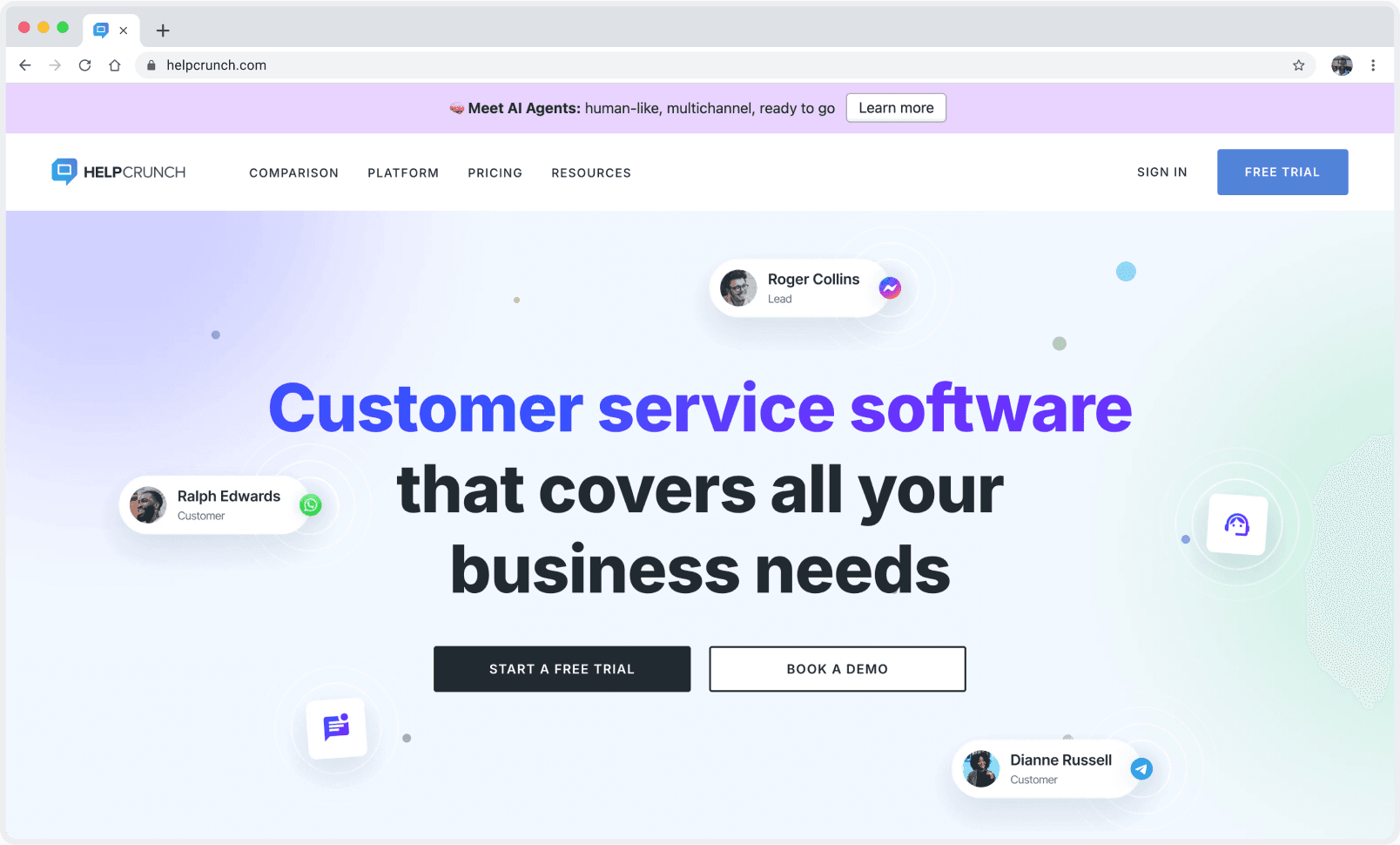
HelpCrunch gives you a modern customer service platform that suits startups and growing businesses. You can manage all your conversations from one place, whether they come through live chat, email or social media.
Its simple interface helps you and your team get started quickly. HelpCrunch offers a full suite of tools. It makes it easier to support and engage your customers without the complexity or high costs often found with Drift.
Features
Live chat widget for real-time conversations on your website, software or mobile app.
Shared inbox that brings emails, chats and social messages into one place.
Email automation for follow-ups and updates without manual effort.
Branding options to tailor the chat widget’s look and feel.
Pop-up builder to create proactive messages or offers based on user behaviour.
Review collection that prompts customers for feedback, helping your online reputation and engagement.
Knowledge base tool for self-service support, cutting repeat queries.
Pros and Cons
Pros | Cons |
|---|---|
Affordable pricing, well suited to startups and small teams | Advanced features may need higher-tier plans |
Full feature set covering live chat, shared inbox, email automation and pop-ups | Fewer integration options than larger platforms |
Simple interface makes conversations easy to manage | Lacks deeper automation or sales workflows; support-focused |
Omnichannel support brings chat, email and social channels into one view | May fall short if you need advanced sales process tools |
8. LiveChat
Overview
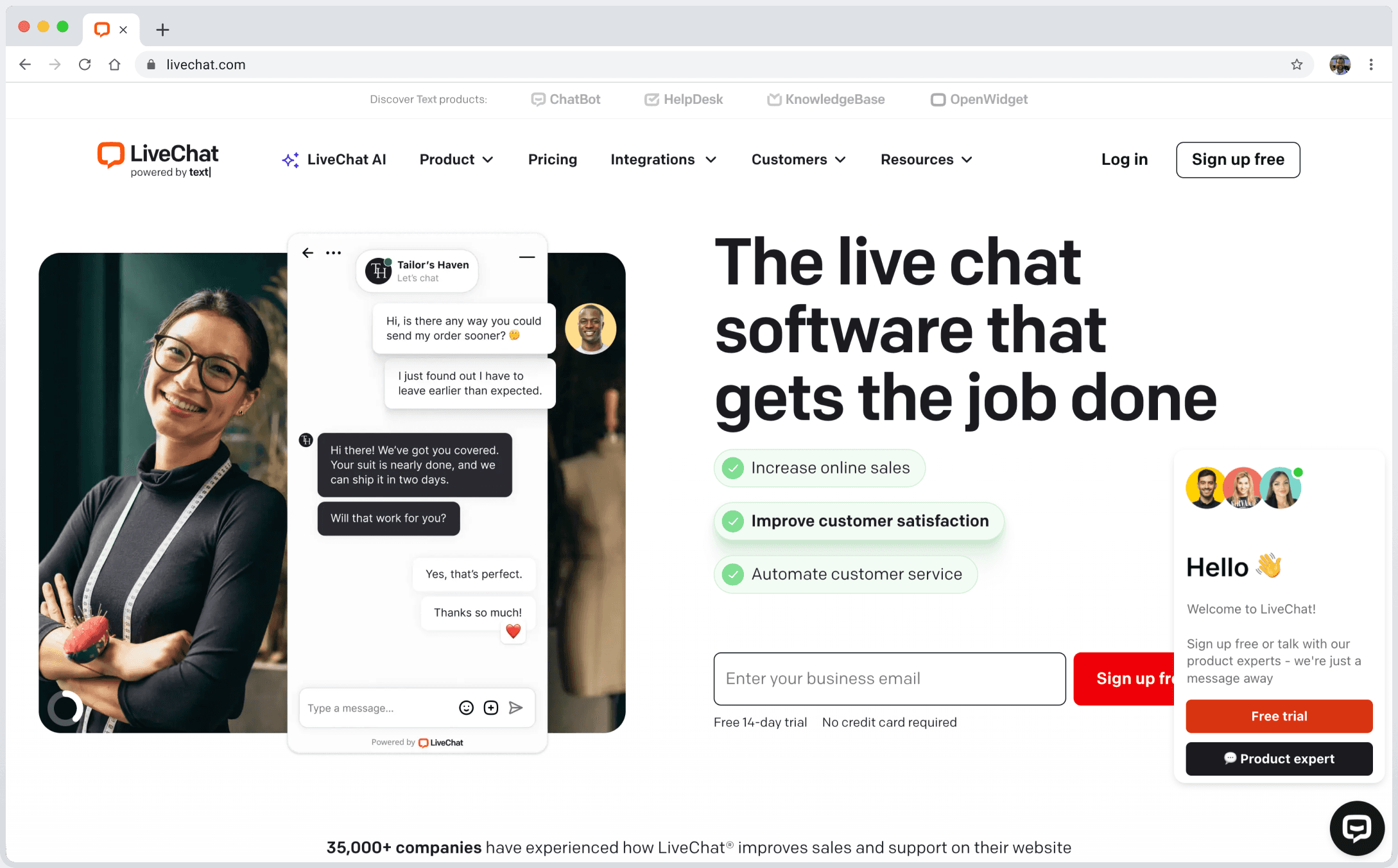
LiveChat gives you a simple way to connect with your customers in real time. You can use it to chat with visitors on your website, answer questions and guide them through the buying process.
Many businesses choose LiveChat because it is easy to set up. It works well for both small shops and larger e-commerce brands. If you run an online shop, you will find LiveChat especially useful. The platform plugs into popular e-commerce tools, so you can track orders, manage customer data and boost sales.
Features
Message sneak-peek, canned responses, chat tags, rich messaging, file sharing, chat archives and ratings.
Chat widget, Facebook, Facebook Messenger, Instagram, SMS, email, WhatsApp Business, Apple Messages for Business, plus voice and video chat.
Customisable chat widget with branding, agent profiles, accessibility options and multi-language support.
Data summaries, chat reports, e-commerce reporting, dashboards, agent performance and data exports.
Product cards, customer data access, goals and sales trackers, and integrations with over 200 platforms.
Agent roles, groups, chat transfer, supervision, scheduling and workload management.
Encryption, credit-card masking, access restrictions, logging, visitor banning and SSO.
Pros and Cons
Pros | Cons |
|---|---|
Excellent real-time engagement, so agents can handle many chats at once | Widget customisation is limited compared to some rivals |
Easy to set up with a simple interface | The mobile app is less responsive and polished than the desktop version |
Supports many channels and integrations, including CRMs and e-commerce tools | Reporting and analytics are basic and lack deeper insights |
Strong team management and collaboration features | Chatbot features are limited and often need a live agent to take over |

9. Freshdesk
Overview
Freshdesk gives you a flexible platform for customer service. You can bring every query into one place, so issues are easier to track and resolve. Many customer service managers choose Freshdesk because it suits teams of any size.
You can start with a free plan and move to advanced features as your team grows. The interface feels simple, so your agents can get up to speed quickly.
If you want to support customers across email, chat, phone and social media, Freshdesk lets you do this from one dashboard. You can also use the platform on mobile, which helps your team stay connected wherever they work.
Features
Simple interface built for easy navigation and quick adoption.
Multi-channel support that brings email, chat, phone and social platforms into one dashboard.
Automation tools that handle repetitive tasks and cut manual work.
Customisation options to tailor workflows, branding and ticketing to your needs.
Reporting & analytics with performance dashboards, insights for managers, and tools to collect and analyse customer feedback.
Collaboration features that let teams work together on ticket resolution.
Mobile app for agents to manage tickets and respond remotely.
Pros and Cons
Pros | Cons |
|---|---|
Easy to use and quick to set up | Some advanced features need higher-tier plans |
Supports many channels in one dashboard | Customisation can be limited for complex enterprises |
Strong automation and AI features | Reporting depth may not match larger enterprise platforms |
Flexible pricing, including a free plan and affordable tiers | Advanced AI features are only available in premium plans |

10. Olark
Overview
Olark gives you a simple way to add live chat to your website. Many small businesses choose Olark because it keeps things simple. You do not need to spend hours learning the system. You can set up Olark quickly and start chatting with customers right away. The platform focuses on classic live chat, so you get a tool that does one thing very well.
Features
Real-time live chat with visitor typing preview for faster, more personal replies.
Sales chat features to help qualify leads and drive conversions through the chat window.
Chat transcripts for reviewing past conversations and improving support quality.
Customisable chat widget with branding options and automated greetings.
Basic reporting to track chat volume, response times and agent performance.
Integrations with popular CRM and helpdesk tools to keep customer data organised.
Focused live chat with a simple, streamlined interface.
Pros and Cons
Pros | Cons |
|---|---|
Simple setup and very easy to use | Limited automation compared to more advanced platforms |
Affordable pricing, ideal for small businesses | Fewer integrations for workflow and marketing tools |
Strong focus on live chat: a reliable, effective core function | Reporting and analytics are basic |
Integrates with CRM and helpdesk tools | No built-in AI or advanced ticketing features |
Choosing the right alternative
Key Factors
The right customer service platform shapes your team’s success. You want a tool that fits your business size, industry and growth plans. If you want automation to improve lead generation and engagement, the right platform makes a big difference.
Cue stands out as the best overall choice for most businesses. Its blend of advanced AI, transparent pricing and proven results gives you a clear advantage. Cue’s automation tools make agents more productive and give you more control over every customer interaction.
When you compare Drift alternatives, focus on these essential factors:
Integration capabilities: Choose a platform that connects smoothly with your existing tools, such as CRM and email.
User interface: A simple design helps your team work well and cuts training time.
Customer support: Responsive support means you get help when you need it.
Pricing structures: Look for clear, scalable pricing that matches your budget and future growth.
Customisation options: Being able to tailor the platform to your processes makes a big difference.
User reviews: Real-world feedback shows strengths and weaknesses you might not spot at first.
Industry benchmarks: Compare performance metrics to see how each option measures up.
Lead gen capabilities: Check how well the platform supports lead gen. That means qualifying visitors, capturing contact details and linking to your CRM to improve conversion rates.
To make the best decision, follow these practical steps:
Explore feature set: Review the core features of each platform. Focus on the tools that matter most to your team, including those for capturing qualified leads and streamlining lead gen workflows.
Look for automation capabilities: Assess how well each tool automates routine tasks and supports your agents.
Pricing structure: Compare pricing models so you get value for money as your business grows.
Consider business size and scalability: Make sure the platform fits your current needs and can scale with you.
Integration ecosystem: Check that the tool works with your existing systems for a smooth workflow.
You can start by booking a free demo. Cue offers a tailored demo, so you see exactly how it fits your business. You can see the benefits for yourself before you commit. Cue stands out with advanced automation, multichannel support and proven results across industries.
Frequently asked questions
What makes Cue different from other Drift alternatives?
Can I integrate Cue with my existing CRM or helpdesk tools?
How does Cue help reduce customer service costs?
Is Cue suitable for multi-location or high-volume businesses?
About the author

Kirsten Gentle
Performance Manager
Kirsten Gentle is fascinated by how customer service actually works once real conversations start arriving. At Cue, she works closely with service teams across WhatsApp, email and live chat, looking at what changes when a business moves from juggling channels to running them properly. She writes about the practical side: routing, response times and the handovers in between.
Further reading

WhatsApp or SMS: how to choose for business messaging
Cost, message length, consent and delivery states compared, without the unsourced open-rate statistics, plus which channel fits which job.
Read the guide
Intercom alternatives: an honest comparison for customer service teams
What Intercom costs in 2026, how Fin's per-outcome pricing works, and which alternative suits which kind of team.
Read the guide
AI agents vs chatbots in automotive customer service
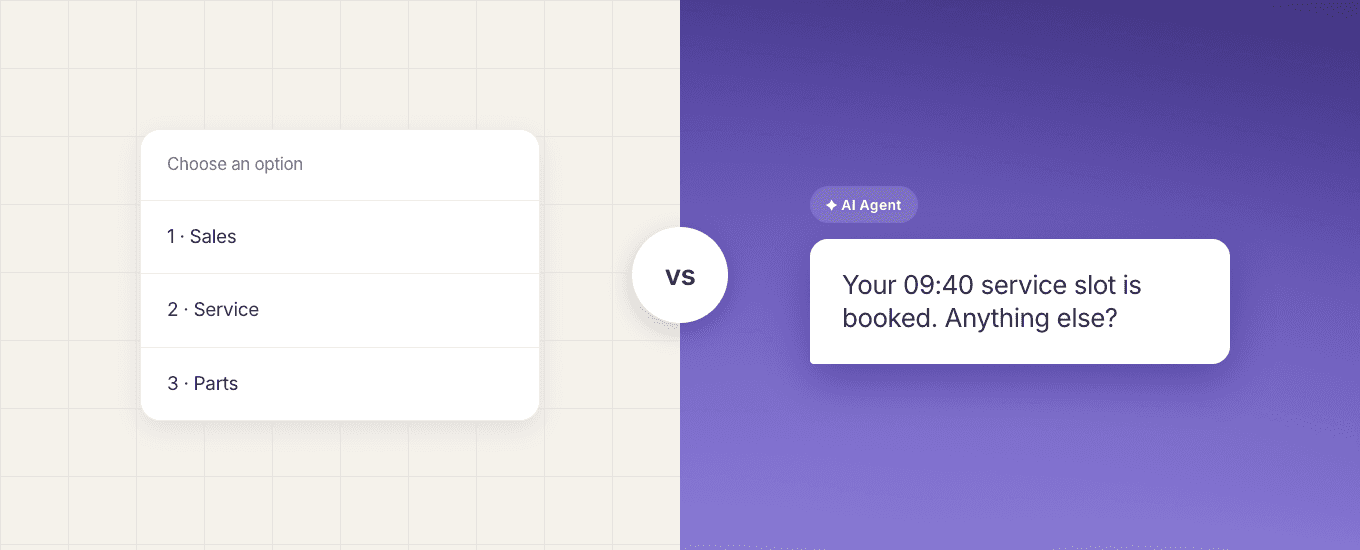
The real difference between a chatbot and an AI agent, and what it means for automotive customer service today.
Read the guide
