
Your team answers "where is my order?" forty times a day. Same question, same tracking link, same time gone. Meanwhile a customer with an actual problem sits in the queue behind all of it.
A good chatbot clears that backlog. Not by replacing anyone, but by handling the repetitive questions so your team can focus on the ones that need a human.
In 2026, customer service chatbots aren't rigid FAQ trees. They read intent, pull answers from your own knowledge base, and know when to hand off. Below are seven use cases that actually earn their keep, plus how to roll them out and what they cost.
What makes a 2026 chatbot different?
A 2026 chatbot reasons over your data instead of matching keywords. Old bots failed because they ran on brittle decision trees, which is why everyone knows the “I didn’t understand that” loop. Modern AI Agents use large language models to handle natural phrasing, typos, and multi-part questions, then answer from your knowledge base so replies stay accurate and on-brand.
There is a hard truth behind why structure matters so much. Only 14% of customer service issues are fully resolved in self-service, and even for issues customers call “very simple,” just 36% resolve, according to a Gartner survey of 5,728 customers. Most bots fail not because automation is bad, but because they lack a clean knowledge base and a real handoff. Get those two right and the picture flips. Cue’s AI Agents are built around exactly that: a structured knowledge base feeding the answers, and a clean escalation path when a person is needed.
Speed is the other half. For straightforward questions, many customers would rather get an instant chatbot answer than wait for a human, per HubSpot’s chatbot data. The nuance worth keeping: that preference is strongest for simple questions. For complex or emotional issues, people still want a human, which is the whole reason the handoff matters.
7 practical chatbot examples for customer service
You do not need to rebuild your support stack to see a return. Each example below targets a specific, high-volume, low-emotion task using Cue’s workflow builder, so your agents only step in when judgment is required.
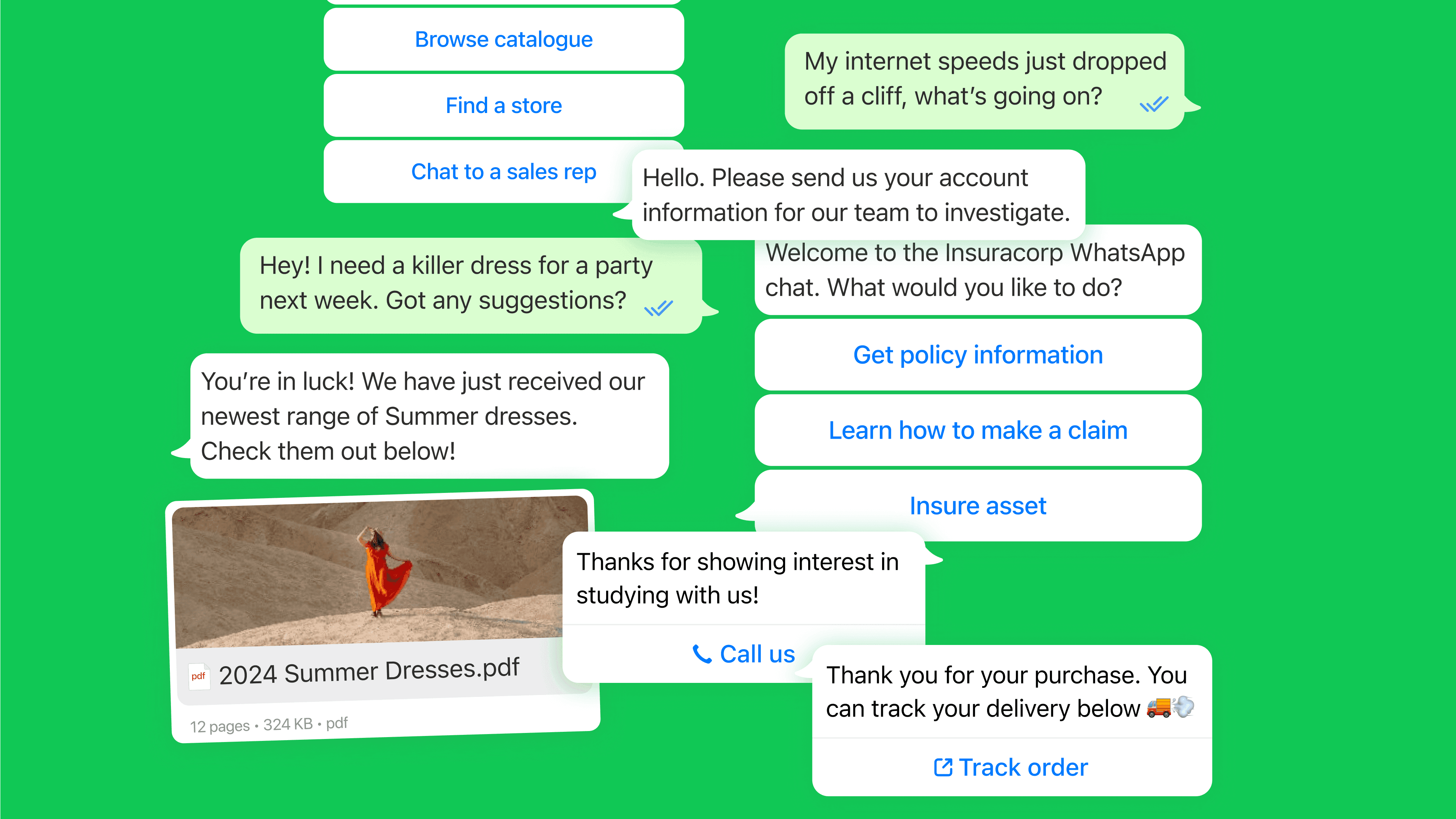
Order tracking (WISMO): Connect the AI Agent to your logistics or order system, and “where is my order?” gets answered on WhatsApp in seconds with live tracking data. This is usually the single biggest drain on retail support setups, so automating it frees hours every day.
Returns and exchanges: The bot checks the order, confirms eligibility against your returns policy, and issues a label or starts the exchange. Customers self-serve the whole flow, and your team only sees the edge cases.
Appointment booking and reminders: Customers book, reschedule, or cancel through chat, and the bot sends a reminder before the slot. Fewer no-shows, fewer “can I move my appointment?” calls.
Multilingual 24/7 first-line support: Expanding abroad usually means a hiring surge. A multilingual AI Agent answers in your customers’ language at 3 AM, with consistent answers whether they message from London or Tokyo, and escalates to a human who speaks the right language when needed.
Lead qualification and reactivation: The bot asks a few qualifying questions, then routes hot leads to sales. You can also send WhatsApp broadcasts to nudge cold leads with a time-sensitive offer and pick the conversation back up.
Account and after-sales questions: Balance checks, plan changes, “how do I reset my password,” update-my-details. These repeat endlessly and rarely need a person, so they are ideal first candidates.
Structured intake (e.g. claims or applications): For insurance or finance, the bot walks the customer through a structured form, validates details, and collects photo uploads, so your team receives a complete file instead of chasing missing information.
Here is how those map to channel and handoff at a glance.
Use case | Best channel | What the bot does | When it hands off |
|---|---|---|---|
Order tracking | Pulls live tracking, sends update | Lost or damaged parcel | |
Returns and exchanges | Web chat, WhatsApp | Checks policy, issues label | Disputed or out-of-policy |
Booking and reminders | WhatsApp, web chat | Books, reschedules, reminds | Complex multi-party scheduling |
Multilingual support | All channels | Answers in customer’s language | Complex case, routed by language |
Lead qualification | WhatsApp, Messenger | Qualifies, routes to sales | High-value or negotiating lead |
Account questions | Web chat, WhatsApp | Retrieves account data, updates | Billing dispute, sensitive change |
Structured intake | Collects and validates a full file | Adjuster or specialist review |
What separates a high-performing bot from a frustrating one?
Three things: a deep knowledge base, a real handoff, and intent recognition that copes with messy language. Miss any one and you get the dead-end bot everyone hates.
The knowledge base is the brain. Instead of writing code, you upload your manuals, policies, and product guides, and the AI Agent answers from them. Keep that content clean and current, because a bot trained on contradictory docs will confidently get things wrong.
Intent recognition is what turns “where’s my stuff?” into the right answer. Good natural language understanding reads what the customer means, not just the words they typed. And the handoff is non-negotiable: when the AI detects frustration or hits a question it cannot resolve, it should pass the full transcript to a human in a WhatsApp inbox so the customer never repeats themselves. The AI can even suggest a draft reply for your agent to check and send.
How to roll out chatbots without adding noise
Start with the tickets that are high-frequency and low-emotion, then expand. A simple sequence:
Audit 90 days of tickets: Find the five questions that eat most of your team’s time. Those are your first automations. Set a baseline for average resolution time so you can prove the impact later.
Pick the right channels: Meet customers where they already are. WhatsApp has around three billion monthly active users worldwide, per Statista’s WhatsApp figures, so forcing a mobile-first customer onto a desktop chat bubble loses them.
Build, pilot, then optimise: Feed the knowledge base, test with a small group, and refine weekly based on what escalates. Aim to automate the routine 80%, not 100%.
A quick reality check on where bots fit. They shine on repetitive, well-documented tasks and struggle with novel, sensitive, or highly technical cases, which is exactly why the Gartner self-service number is so low without a strong handoff. Automate the volume, protect the judgment calls, and route everything else to a person. That balance is what makes customer support automation feel helpful instead of robotic.
What does a customer service chatbot cost in 2026?
You can budget from real per-resolution pricing rather than guesswork. Cue charges £0.89 per AI Agent resolution on a bundle of 1,000, or £1.49 pay-as-you-go, with plans starting at £249 a month and unlimited seats. That is a fraction of what a live agent interaction costs, and you can check the full breakdown on Cue’s pricing plans.
A note on compliance, since it comes up during rollout. The EU AI Act is phasing in transparency rules through 2026 and 2027, including telling people when they are dealing with AI rather than a person, so build that disclosure into your bot from day one. Cue runs as GDPR and POPIA compliant, which covers the data-handling baseline for most teams.
Pricing and features verified as of June 2026.
A real-world data point
Cue reports that some customers reach a 96% automation rate for enquiries, and one cites a 196% increase in survey response rates after moving conversations onto messaging. Treat these as vendor-reported results, not guarantees. Your own numbers depend on how routine your queries are and how clean your knowledge base is. You can read the underlying Cue customer stories and judge the fit for yourself.
Key takeaways
Automate volume, not judgment: Bots earn their keep on repetitive, low-emotion queries; humans handle the complex and sensitive cases.
Structure decides success: A clean knowledge base plus a real handoff is why some bots resolve issues and most do not.
Start where it hurts: Audit your top five repeat questions and automate those first.
Budget from real numbers: Per-resolution pricing plus your old ticket cost gives you a defensible ROI case.
Ready to take “Where is my order?” off your team’s plate for good? Book a Cue demo and see how AI Agents handle your routine queries while your people focus on the conversations that count.