
Email channel
Your service mailbox, in the same inbox as every other channel
Your team has a rota for the shared mailbox and a system for everything else. Chat gets answered in minutes, email gets picked up when someone remembers to look.
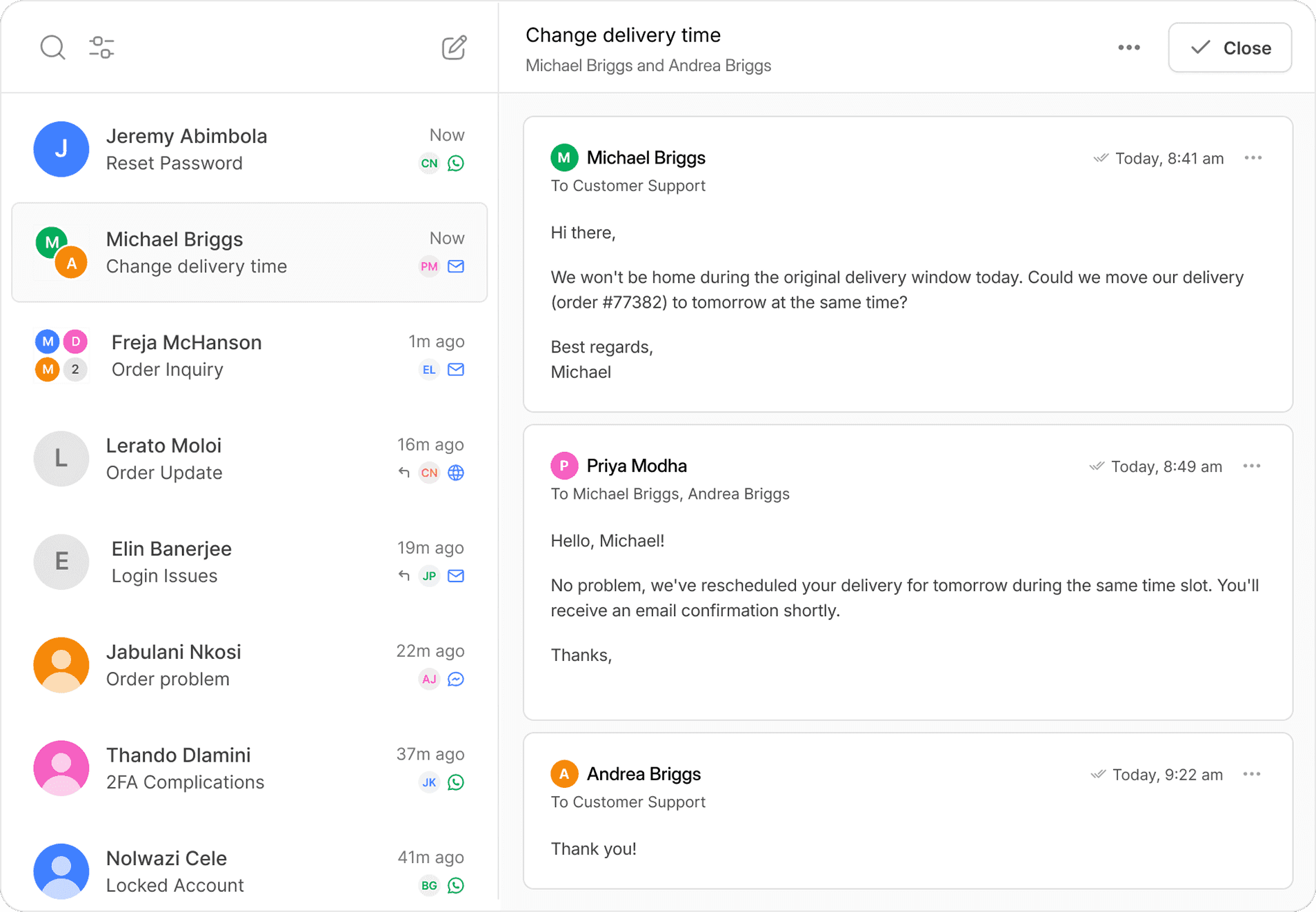
Cue puts your service email in the same inbox your team already uses for WhatsApp, web chat and Messenger. Flows acknowledge and triage it the moment it lands, and anything that needs a person goes to the right team with the context already there.
Trusted by service teams in the UK and South Africa






The challenge
The mailbox is where conversations go quiet
Nobody decided to run email differently. The mailbox came first, the messaging channels arrived later with their own tools, and the mailbox ended up covered by a rota rather than a system.
So two people open the same email, or nobody does. Nothing is acknowledged, so the customer has no idea it arrived. And the customer who emailed last week and messaged this morning is two unconnected threads. None of it shows up in a report, because a queue you cannot see is a queue you cannot manage.
What Cue email is
What Cue’s email channel does
Cue’s email channel brings a company’s service mailbox into the same shared inbox its team uses for WhatsApp, web chat and Facebook Messenger. A branded company address is forwarded into Cue, and the sending domain is verified so replies go out from that same company address. Every email arrives as a full thread with attachments, To and CC recipients, assignment, tags and internal notes, and it sits alongside that customer’s messaging history rather than in a separate tool. Email is included in every Cue plan.
It is built for service conversations and individual outbound replies, not marketing campaigns.
1
Forward your address
Point your branded mailbox at your Cue receiving address.
2
Verify your domain
Add the DNS records Cue provides, so replies come from your address.
3
Build your Flow
Acknowledge, triage and route, then hand off when a person is needed.

One queue
Every email in the same queue as every message
An email in Cue behaves like a piece of work rather than an item in a folder.
Replies stay in the thread the customer started, with attachments and CC recipients intact. Whoever picks it up can see what came before.
Emails carry up to 30 MB of attachments, 16 MB per video file, and up to 50 recipients across To and CC.
Multiple mailboxes
A mailbox for each team, routed to the right people
One shared mailbox for a whole business stops working at about the point somebody sets up an Outlook rule to cope with it.
Create separate addresses for departments, locations or use cases, and route each one to a different team and a different Flow. For multi-site businesses this is usually the reason email moves into Cue: each location keeps a local address customers recognise, while the group keeps one view of the work.

Automation and AI
Acknowledge, triage and answer without a person touching it
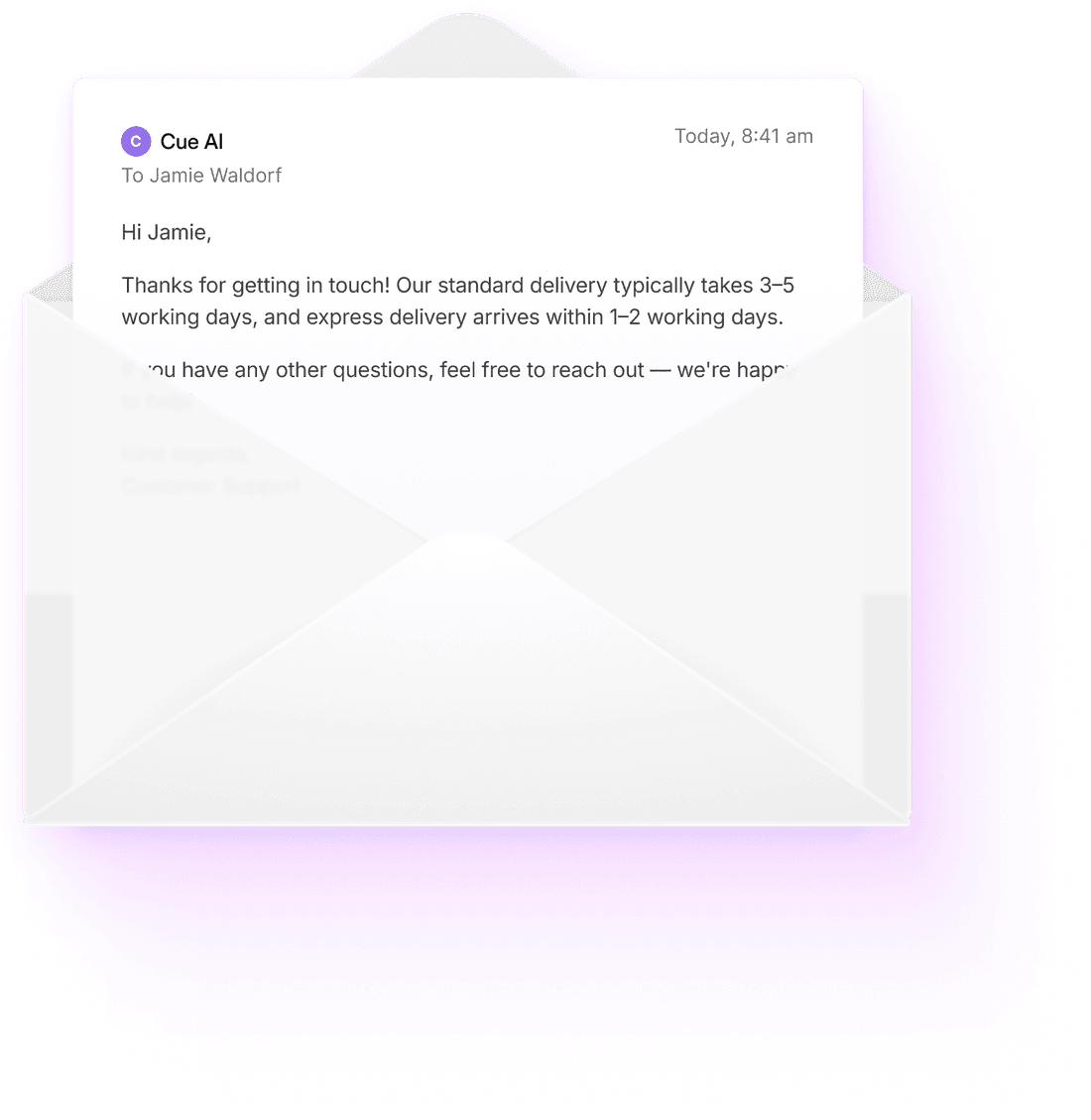
A default Email Flow confirms the message arrived and creates a ticket, so the customer knows where they stand and the work exists in a queue.
New conversation
Autoresponder
We’ve received your query
Update contact
Contact
Create ticket
Ticket
Transfer conversation
To the right team
Gartner found only 14% of service issues are fully resolved in self-service, rising to 36% for issues customers call very simple (Gartner, August 2024). The handoff matters as much as the answer, which is why it is a step in the Flow rather than a dead end.
82% of customer queries resolved by Cue AI Agents at Payflex, without a person joining the conversation.
Cue’s AI Agents resolved 82% of customer queries for fintech business Payflex without a person joining the conversation, across the channels Payflex runs on Cue.
Spam handling
Spam quarantined before it reaches the queue
Cue scores the first inbound message on a conversation. High-scoring messages are quarantined, where they can be reviewed and marked safe or unsafe. Spam that appears mid-thread is flagged without pulling the conversation out of the queue, so a real customer conversation is not lost to a filter.
Spam quarantine
3 held
Re: invoice 4471 — urgent payment
billing@secure-pay-verify.net
Score 96
You have been selected for a reward
noreply@prize-drop-alerts.com
Score 88
This email looks dangerous
Quarantined on a high spam score. Links and attachments stay disabled until somebody reviews it.
Mark sender as safe
Keep in quarantine
Mid-thread spam is flagged, not pulled out of the queue
Impact
What changes when the mailbox joins the platform
Enquiries stop sitting unacknowledged
Every email gets an immediate acknowledgement and a place in a queue, so the customer knows it landed and the team can see it exists.
Repetitive questions stop reaching people
Flows and AI Agents handle what repeats, so the queue that reaches your team is closer to the queue that needs them.
One customer, one history
Email stops being the channel nobody can see, which is what makes a reply on any channel accurate.
Integrations
Works with the systems your team already uses
Cue does not ask you to move your customer records. It brings the conversation to them.
When an email arrives, its sender, subject, message body, attachments and To and CC recipients are all available to the Flow. That is what makes email worth connecting rather than just receiving. A Flow can read a reference from the subject line and use it in the next step.

HubSpot
CRM

Salesforce
CRM
Zoho
CRM

Zendesk
Helpdesk

Freshdesk
Helpdesk

Google Sheets
Data

Zapier
Workflow

n8n
Workflow

Slack
Alerts

Microsoft Teams
Alerts
The Cue platform
Email is one channel. Your customers use more than one.
Cue is a customer service platform, not an email tool. The same shared inbox handles WhatsApp, web chat, Facebook Messenger and email, so a customer who emails about an order and then messages to chase it is one conversation with one history, handled by whoever picks it up. Each channel keeps its own Flows and automation, and every channel routes into the same teams and the same queue.
Running each channel in its own tool is what fragments the customer’s history. Bringing them into one platform is what puts it back together.
Shared inbox handling, approved templates, broadcasts, chatbot and AI journeys.
WhatsApp channel
Facebook Messenger
Inbound support, chatbots, AI first replies and handoff with history retained.
Messenger channel
Service mailboxes in the same queue, with acknowledgement, triage and routing.
You are here
Email FAQs
Common questions about email in Cue
Yes. Cue’s shared inbox handles email, WhatsApp, web chat and Facebook Messenger in the same place, with each customer’s history attached, so a customer who emails and then messages is one conversation rather than two.
Related reading
Where teams start when they compare tools
See your mailbox and your messaging in one place
Bring your service email into the same queue as WhatsApp, web chat and Messenger, and let Flows handle the acknowledgement and the triage.
