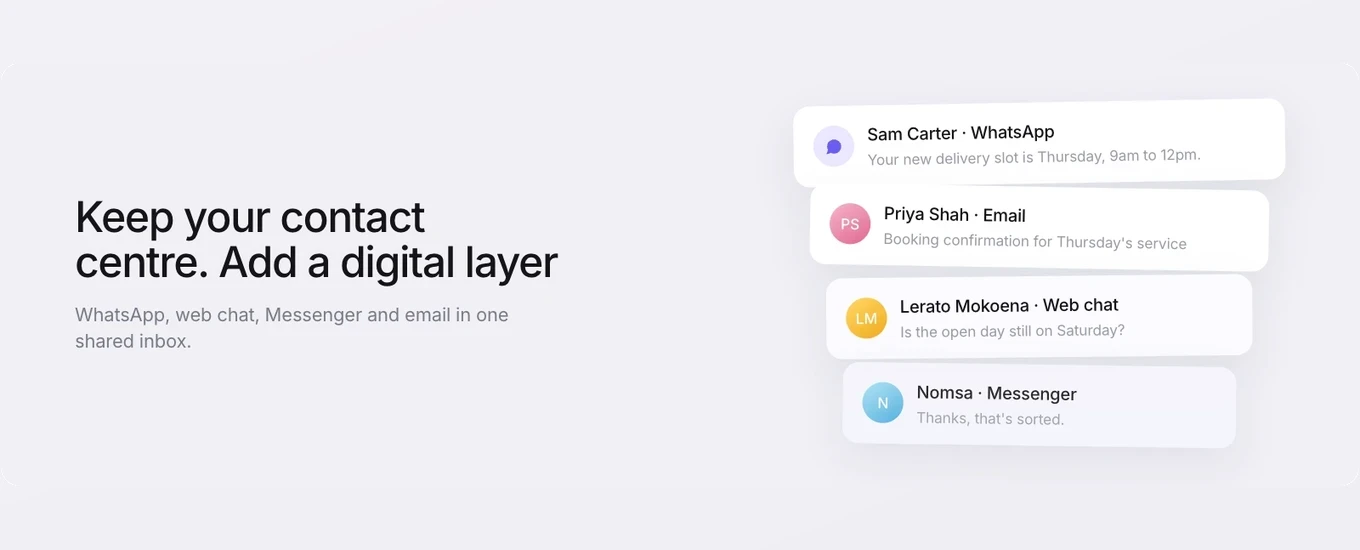

One route to an omnichannel contact centre is a full move: one new platform, every channel migrated, the old system switched off.
That’s a big project, and it may not be the problem you have. If your contact centre handles calls well, the gap is more likely to be in the channels that have grown up around it. WhatsApp conversations sitting on staff phones. Web chat in a separate tool that nobody really owns. An email queue only one team can see.
You don’t have to rebuild the contact centre to fix that. You can add a digital service layer alongside it: one shared inbox for WhatsApp, web chat, Messenger and email, while your telephony carries on as it is. This guide covers when that model works, when an all-in-one suite is the better answer, and how to run two systems without losing track of who owns what.
What an omnichannel contact centre is meant to solve
An omnichannel contact centre lets customers reach a business on the channel they prefer, and lets the service team carry the conversation across channels without the customer having to start again. Calls, email, chat and messaging are handled as parts of one service operation rather than as separate queues with separate rules.
The pressure to do this comes from customers. Ofcom’s Online Nation 2025 report found WhatsApp reached 90% of UK online adults in May 2025, with average daily reach of 74%. And in Meta-commissioned research by Kantar, a global survey of 11,056 adults across 22 markets including the UK, 66.8% said they feel frustrated when messaging isn’t offered as a way to contact a business.
If you want the full comparison of the two models, we’ve covered omnichannel vs multichannel customer service separately. The short version: omnichannel is about continuity for the customer and visibility for the team. It doesn’t say anything about how many vendors you use to get there.
You don’t have to replace your contact centre to fix digital service
No. If calls are working, you can keep the contact centre exactly as it is and add a separate digital service layer to handle WhatsApp, web chat, Messenger and email. The two run side by side.
In practice, the coexistence model looks like this:
The contact centre keeps the phone. Its routing, call flows, workforce planning and reporting stay as they are. The agents measured on calls keep working in the system built for calls.
The digital layer takes the written channels. WhatsApp, web chat, Messenger and email land in one shared inbox, with their own routing, teams and opening hours.
The two systems aren’t wired together. They don’t share a queue. What they share is a set of rules about which team owns which conversation, and what happens when a customer needs to move from one to the other.
Why split it this way? Calls and messages work at different speeds. A call has one customer on the line until it ends. A WhatsApp conversation can sit open for hours while the customer finds a reference number or sends a photo, and one agent can handle several at once. Forcing both into the same operating model can mean bending one of them out of shape.
You also avoid a telephony migration, retraining a whole contact centre on a new desktop, and a long period where both old and new systems are half live.
When an all-in-one suite really is the right answer
Coexistence isn’t the right answer for everyone. A single contact centre suite covering voice and digital in one platform makes more sense when:
Voice is most of your volume and digital is a small share. If WhatsApp and chat are a handful of conversations a day, adding a second system may cost more attention than it saves.
You need workforce management and quality assurance across every channel in one model. Forecasting, scheduling and QA scoring across calls and chat together need one platform holding all of that data.
You run outbound diallers or call campaigns at scale. That’s contact centre telephony territory. Cue Phone, for example, is built for one-to-one calls from the inbox, not dialling campaigns.
You rely on speech analytics. Analysing call audio at volume belongs with the platform that carries the calls.
The same agents work voice and digital in the same shift. If most of your people switch between calls and chats all day, two desktops become a daily cost.
Procurement or IT has a single-vendor mandate. Sometimes the decision is made before service gets a say.
If two or more of these describe your operation, a full suite is probably worth the migration effort. A digital layer alongside the contact centre won’t give you one forecasting model or one QA programme across calls and chat, and it shouldn’t pretend to.
Signs your digital channels have outgrown the contact centre
Run this against your own operation. The more of these are true, the stronger the case for a dedicated digital layer:
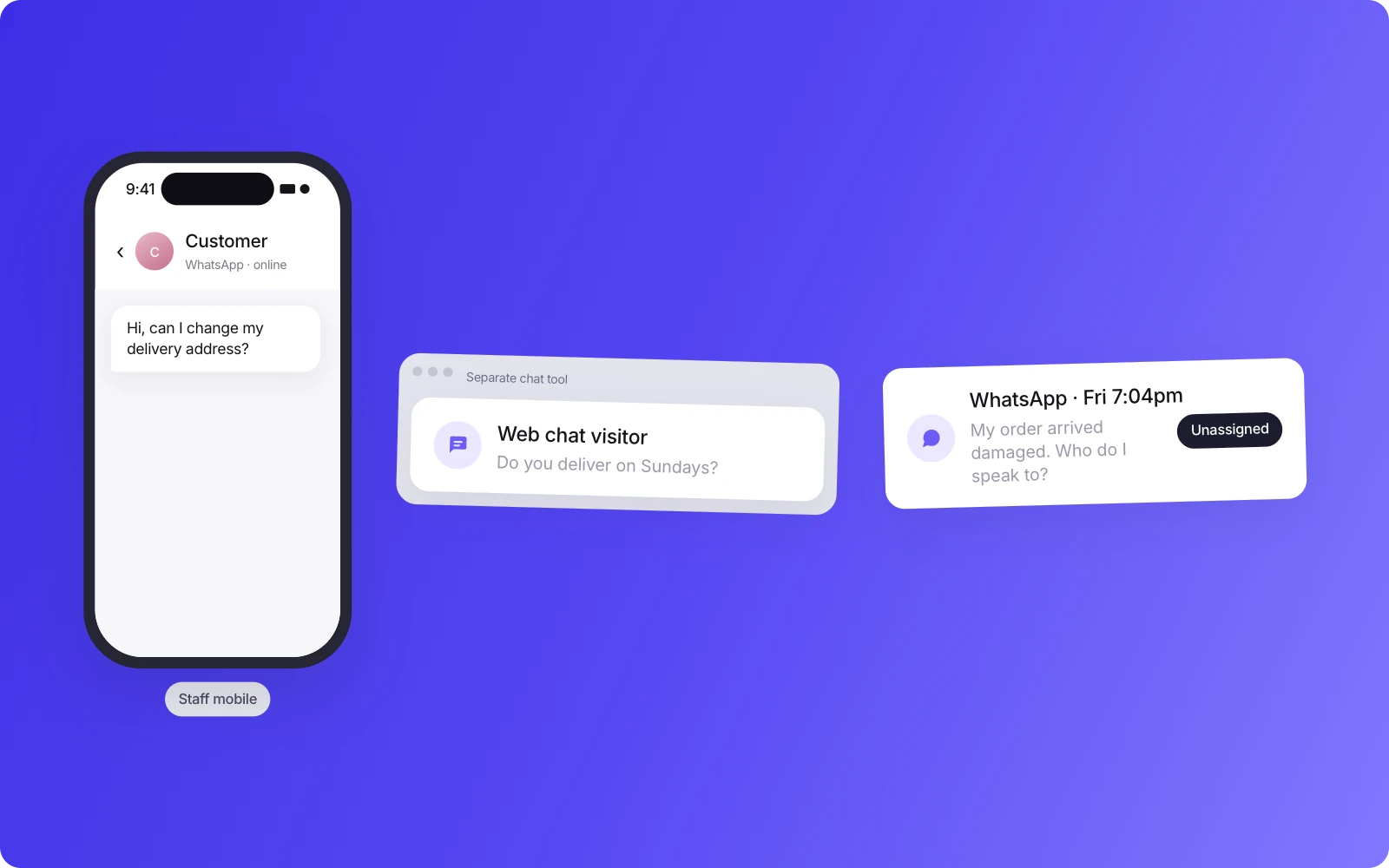
WhatsApp is running on staff mobiles, or on the WhatsApp Business app on a single shared device.
Web chat sits in a separate tool with its own logins and no shared view of the customer’s history.
Nobody can say for certain who owns a message that arrives at 7pm on a Friday.
Your contact centre platform came with a digital add-on that was switched on and then barely used, because agents are measured on calls.
Customers repeat themselves when they move from chat to email, because the two live in different places.
Branch, aftersales or sales teams answer their own messages outside any shared system, so head office can’t see them.
When someone leaves, their WhatsApp conversations leave with them.
None of these are failures of the contact centre. They’re signs that written channels have grown into a service operation of their own, without the tools or ownership that the phone side has.
What a digital service layer does
A digital service layer gives your written channels the structure the contact centre already gives your calls. In Cue, that means:
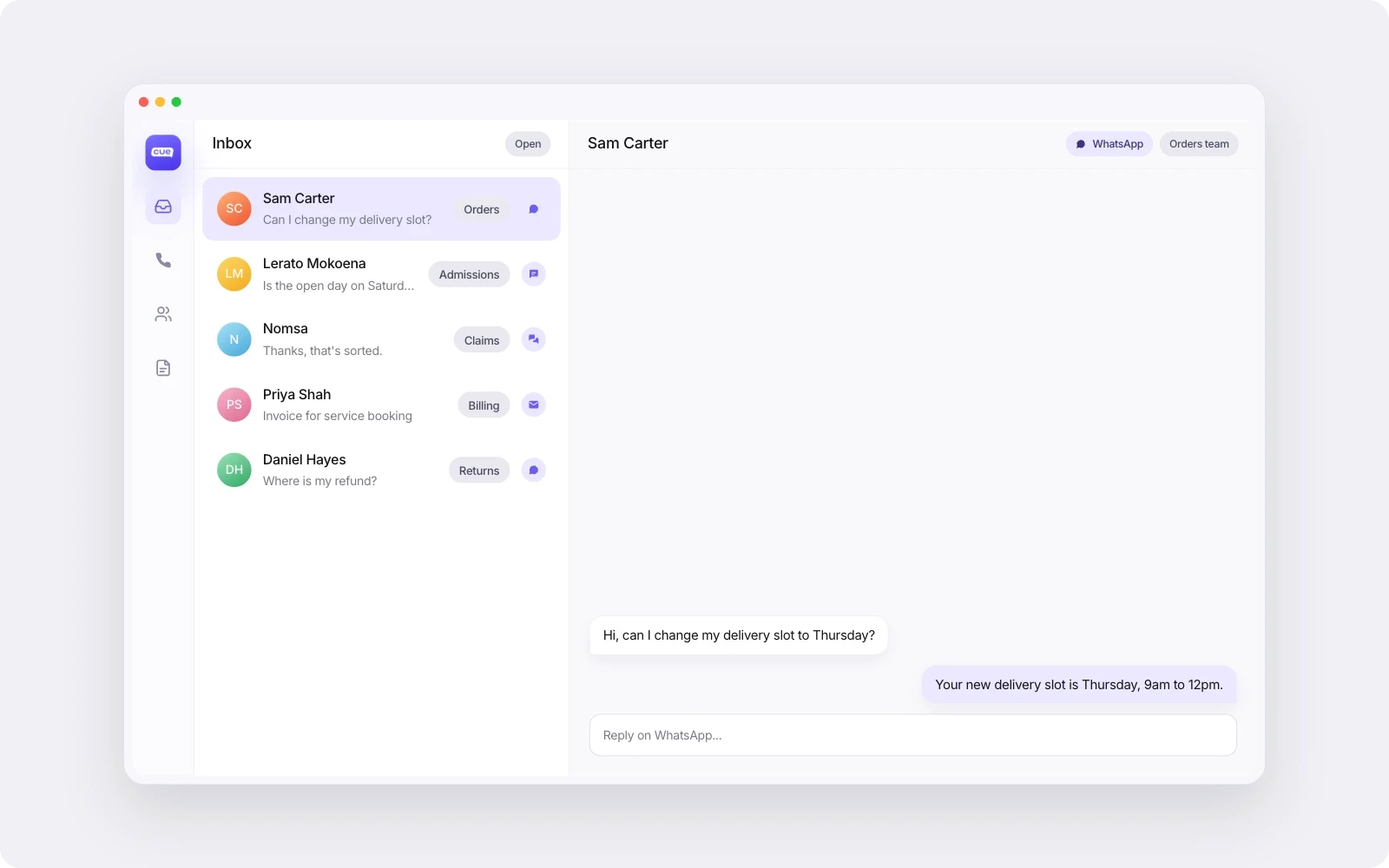
One shared inbox for WhatsApp Business, live chat, Messenger and email. Agents see the conversation history for each contact in one place, whichever channel the customer used.
Teams and routing. Conversations go to the right team, such as billing, bookings or a particular branch, with Flows handling the routing rules.
Knowledge-based AI on digital channels. Cue’s AI agents answer questions from the knowledge content you give them and hand the conversation to a person when they can’t help. Payflex, a Cue customer, saw 82% of queries on its digital channels resolved without a person.
It’s worth separating this kind of AI from voice AI. AI on WhatsApp and chat reads a written question and replies in writing, working from your approved content, with a person a click away. Voice AI listens to speech, responds in real time and sits in the call path, which raises different questions about accuracy, accessibility and how callers reach a person. Cue’s AI works on digital channels only. If you’re evaluating voice AI, treat it as a separate decision for your contact centre, with its own tests.
Keeping the two apart also makes the business case easier. You can judge whether AI is handling routine WhatsApp questions well without that judgement depending on a call-automation project.
Running two systems: who owns what
When a contact centre and a digital layer run side by side, the things that cause trouble are the shared ones: the customer record, service targets, reporting and the moment a customer needs to cross from one to the other. Decide who owns each before you go live.
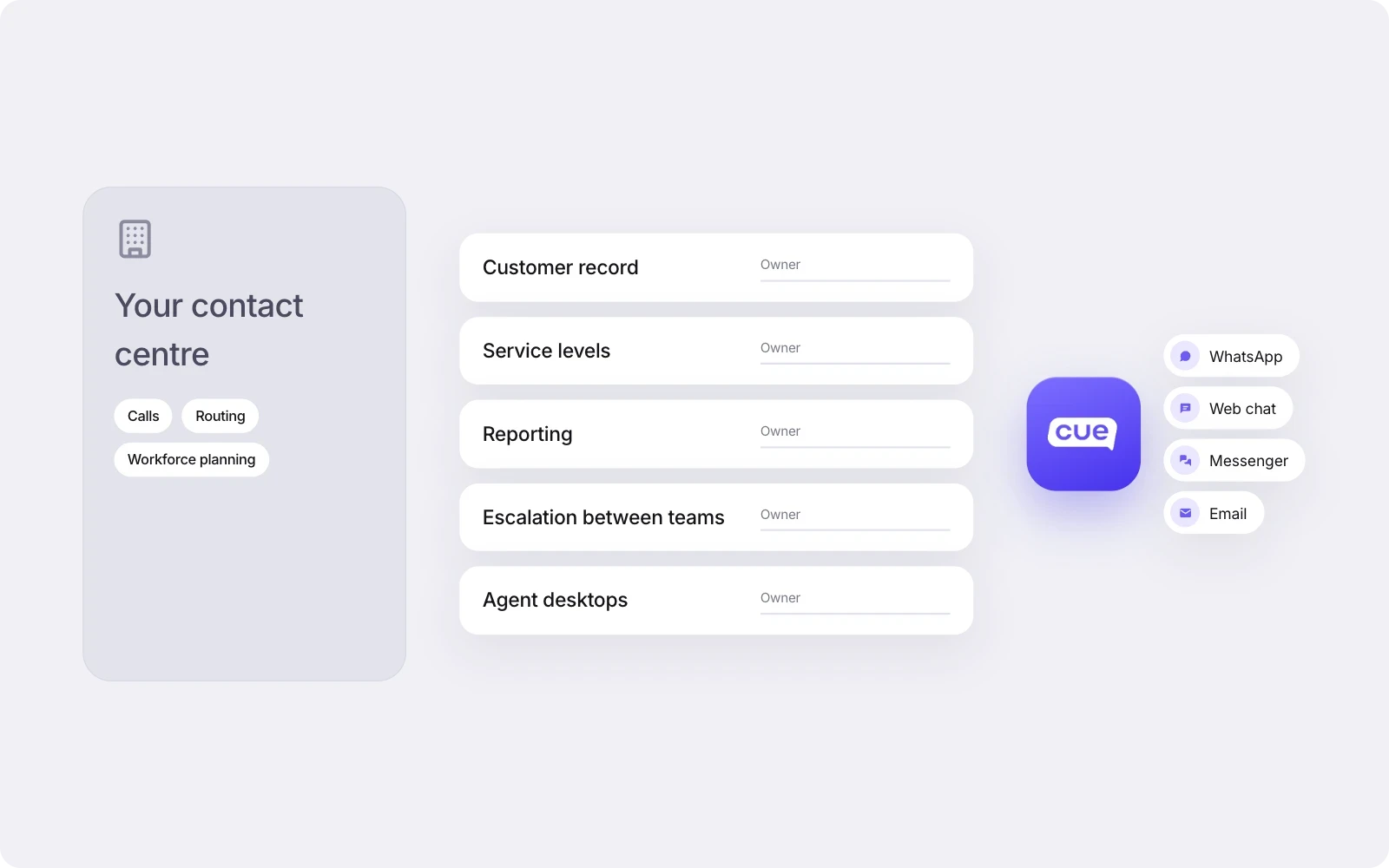
Area | Decision to make | Questions to ask |
|---|---|---|
Customer record | Which system holds the main record of who the customer is | Where does that main record live today, often a CRM? Does it stay there? What does each service system need to read from it, and who keeps it accurate? |
Service levels | Separate targets for calls and written channels | What response time are you promising on WhatsApp and email, by hours of the day? Who is accountable when it’s missed? |
Reporting | How leadership sees the whole picture | Which numbers come from which system? Who combines them, and how often? Are you comparing like with like? |
Escalation between teams | What happens when a customer needs to move between phone and messaging | If a WhatsApp conversation needs a call, who makes it and how do they get the context? If a caller is better served in writing, what are they told? |
Agent desktops | Who works in which system | Which agents only need one system? Do any need both? If most need both, is a suite the better fit after all? |
Because the two platforms don’t share a queue, the handover between them is a process, not a feature. Write it down. A one-page rule set covering who calls back, who replies, and where the note goes will do more for the customer than a connector you haven’t got.
Where to start
Start with your busiest digital channel, get the operating model working on that one, then add the next.
If WhatsApp is already running on staff phones, it’s probably the place to begin. Move those conversations into the shared inbox, set up teams and opening hours, agree the escalation rules with the contact centre, and run it for long enough to see where it breaks. Then add web chat, email or Messenger once the first channel is settled. Each addition is easier because ownership and routing are already worked out.
There’s one more group to think about: teams that take calls but sit outside the core contact centre. Branches, aftersales departments and sales teams following up leads often run on their own numbers and their own mobiles. Our guide to multi-site call handling covers how dealer groups organise those calls. For them, Cue Phone can bring calls into the same inbox as their WhatsApp and email, with calls recorded and transcribed on the contact record if you choose. It isn’t a replacement for contact centre telephony. It’s an option for the teams your contact centre was never set up to serve.
See how a digital layer would sit alongside your contact centre
If your calls are covered and your written channels aren’t, a digital layer is a smaller, faster fix than a rebuild. See how the Cue platform brings WhatsApp, chat, Messenger and email into one shared inbox, or book a demo and we’ll walk through how it would run next to your existing setup.