Salesforce can run admissions conversations on WhatsApp, including automated journeys inside the chat. Getting there means the right Service and Marketing Cloud licences, WhatsApp message credits and some configuration. If your team already lives in Salesforce and mainly needs two-way chat, that may be all you need.
A dedicated WhatsApp platform makes more sense when admissions wants broadcasts, qualification journeys and a shared inbox working together without adding Marketing Cloud. You can also use both: Salesforce stays the record, and the conversations run elsewhere.
This guide sets out what Salesforce offers today, what it takes to switch on, what to check before you commit, and how to decide, for institutions in the UK and South Africa.
What Salesforce offers for WhatsApp today
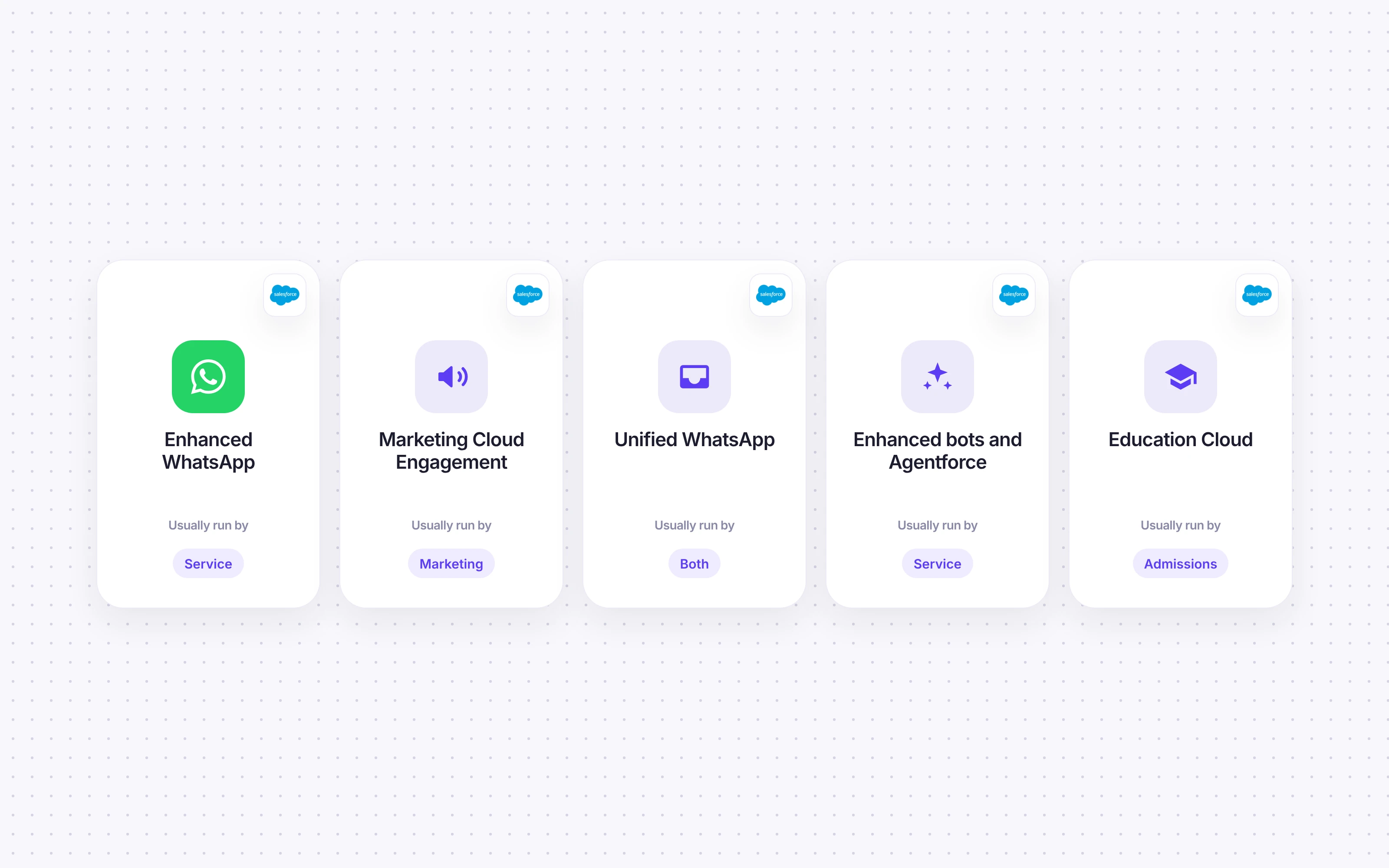
Salesforce supports WhatsApp across several products, and the names have changed more than once. As documented on 1 November 2026:
Product | What it does with WhatsApp | Usually run by |
|---|---|---|
Enhanced WhatsApp (Service, under Messaging and Agentforce Contact Center Digital) | Two-way conversations in the Service Console, routed with Omni-Channel; automated template messages sent from a Flow; WhatsApp Flows forms inside the chat | Service or enquiries team |
Marketing Cloud Engagement | WhatsApp journeys and audiences, with up to 3 reply buttons, list messages of up to 10 items and WhatsApp Flows; delivery and read reporting | Marketing |
Unified WhatsApp | Connects service and marketing WhatsApp on one number, with Data 360 as a dependency | Both |
Enhanced bots and Agentforce | Bots that ask questions and branch on the answers; Salesforce documents deploying its Agentforce Help Agent to WhatsApp, with manual setup | Service or digital team |
Education Cloud | Includes a Student Recruitment Agent that answers programme and admissions questions and supports applications and visits | Admissions |
So it isn't accurate to say Salesforce only handles simple chat. Its WhatsApp Flows documentation covers structured, multi-step forms in the chat, both static and data-driven, and Marketing Cloud's WhatsApp message types include buttons, lists and journeys that branch on what the recipient does.
One gap for admissions specifically: Education Cloud's help lists an article on integrating its agents with messaging channels, but the Student Recruitment Agent pages we could read don't name WhatsApp as a supported channel. It may be possible through Agentforce's general WhatsApp deployment, but it isn't documented there as a ready-made admissions journey.
What you need to switch it on
Licences. Enhanced WhatsApp needs Enterprise or Unlimited edition Service or Sales Cloud, plus Digital Engagement or Agentforce Contact Center Digital (Salesforce messaging editions). WhatsApp journeys and audiences sit in Marketing Cloud.
Message credits. Since 27 March 2026, outbound WhatsApp in Contact Center Digital needs Salesforce Message Credits for WhatsApp. Salesforce charges credits per delivered message, using a multiplier set by the message category and the recipient's country (Salesforce Message Credits multipliers). Inbound messages from applicants don't use credits. Unified WhatsApp also uses Data 360 credits to ingest and store messaging engagement events (Unified WhatsApp credit usage).
What changed on 1 November 2026. Salesforce's current WhatsApp rate card says that from 1 November 2026, utility template messages and free-form service messages sent inside the 24-hour customer service window are charged. Under the previous card (1 August to 31 October 2026), both were free inside that window. For admissions, this means a staff reply to an applicant's question now uses credits too, not only the outbound templates.
Published multipliers for Salesforce Message Credits for WhatsApp:
Message category | UK, 1 Aug to 31 Oct 2026 | UK, from 1 Nov 2026 | South Africa, 1 Aug to 31 Oct 2026 | South Africa, from 1 Nov 2026 |
|---|---|---|---|---|
Marketing | 65.31 | 78.40 | 46.8 | 46.8 |
Utility | 27.17 (free inside the 24-hour window) | 27.17 (charged inside the window too) | 9.39 (free inside the 24-hour window) | 9.39 (charged inside the window too) |
Authentication | 27.17 | 27.17 | 9.39 | 9.39 |
Service (free-form replies) | 0 | 27.17 | 0 | 11.73 |
Salesforce notes that multipliers and usage types can change at any time, so check the current card before you budget.
Published UK prices (1 November 2026):
Agentforce Contact Center Digital: £60 per user per month, billed annually. WhatsApp usage is priced on a separate Salesforce rate card.
Marketing Cloud Next: £1,200 per org per month (Growth) or £2,600 (Advanced), billed annually. The comparison table lists WhatsApp as an add-on, and WhatsApp credits for Marketing Cloud are listed separately, starting at $2 per 1,000 credits (priced in US dollars). The Advanced edition summary also names WhatsApp among its channels, so confirm what your edition includes.
These are base prices, not the full cost. Message credits, Data 360 where it's needed, implementation and any Education Cloud and Agentforce entitlements come on top. Salesforce doesn't publish a single price for an education WhatsApp setup, so get a quote for your configuration.
In South Africa, Salesforce's published prices for these products are shown in pounds, US dollars, euros, Australian dollars, yen and Swedish kronor, but not rand. Ask Salesforce for local pricing rather than converting UK prices, and include message credits in the comparison: the South African multipliers above differ from the UK's.
Setup. You connect a Meta Business Portfolio and WhatsApp Business Account, verify the phone number, and configure channels, routing, templates and consent in Salesforce. If you're moving a number from another provider, Salesforce's migration process doesn't bring your message history with it.
What to check before you commit
These are documented points worth raising with Salesforce or your partner:
Bulk sending lives in Marketing Cloud. Service can send automated template messages from a Flow, but the Service Console's list-view broadcast feature is for SMS and excludes Enhanced WhatsApp. For open day and offer broadcasts to a list, plan on Marketing Cloud.
Replies now use credits. Since 1 November 2026, service replies and utility templates inside the 24-hour window are charged under Salesforce Message Credits. Model your expected applicant conversation volume, not just your broadcast volume.
Einstein Bots are in maintenance mode. Since 17 August 2026, Einstein Bots get no new enhancements, and Salesforce recommends Agentforce for new builds. Existing bots are still supported, including on Enhanced WhatsApp.
One WhatsApp Business Account per org. Salesforce's WhatsApp considerations say an account can't be associated with more than one org, and a sandbox and production org count as two. Plan how you'll test.
Not every template shows in the Service Console. The same guidance notes that the agent's conversation view doesn't render all marketing template messages.
Licences and documentation don't always line up. Some older Salesforce help articles conflict with newer ones on editions and migration. Confirm exactly what your edition includes before you buy.

There are other routes too. Third-party managed packages on AppExchange add WhatsApp to Salesforce, and some institutions build a custom integration with Meta's API. Each has its own cost and maintenance trade-off.
Using a dedicated platform alongside Salesforce
The third option is to keep Salesforce as the CRM and run admissions WhatsApp in a dedicated platform that writes back to it.

With Cue, that looks like this:
The conversation runs in Cue. Broadcasts for open days and offers, qualification journeys built in Cue's Flow builder, WhatsApp Flows forms, AI Agents that answer from your course content, and a shared inbox where admissions staff work every applicant conversation.
The record stays in Salesforce. Using a Salesforce Connected App, a Cue Flow can create Leads, Cases and Tasks in Salesforce from a conversation. It's a configured integration rather than a managed package, and it needs Enterprise, Unlimited, Performance or Developer Edition and a Salesforce admin to set up. Our guide to connecting WhatsApp to your admissions CRM covers what to connect first.
Cue's plans are listed from £249 a month (excluding VAT) with unlimited seats on our pricing page, and from R4,500 a month (excluding VAT, for 1,500 monthly active contacts) on our South African pricing page. Plans include WhatsApp, email, web chat and Messenger in one inbox. As with Salesforce, message charges from Meta and any implementation work are separate.
Which route fits your admissions team?
Your situation | Best fit |
|---|---|
You already have Contact Center Digital and Marketing Cloud, and your team works in Salesforce all day | Salesforce native |
You mainly need two-way WhatsApp chat inside Salesforce, without broadcasts or journeys | Salesforce native |
You need broadcasts, qualification and a shared inbox, and don't want to add Marketing Cloud for it | A dedicated platform |
Admissions and marketing teams want to build and change journeys themselves | A dedicated platform |
Salesforce must stay the record, but the conversation tools don't need to live there | Both: dedicated platform writing back to Salesforce |
You run several CRMs or student systems across campuses | A dedicated platform with workflow-based integration |
You're a South African institution comparing total cost at C-level | Get local Salesforce pricing, add message credits (including replies) and implementation, and compare it with a dedicated platform's published rand pricing |
If the first two rows describe you, use what you've paid for. Adding another system to save a little effort is hard to justify.

Questions to ask any vendor, including us
What licences, add-ons and credits do we need for broadcasts, two-way chat and automated journeys?
How are WhatsApp messages charged, and by whom? Are replies inside the 24-hour customer service window charged?
Who on our team can build and change a qualification journey without a developer?
Where does the conversation history live, and what happens to it if we move?
How does it write to our CRM or student system, and in which direction?
Where is our data processed, and what does that mean for UK GDPR or POPIA sign-off?
If you'd like to see how Cue works alongside Salesforce for admissions, book a demo or read how education teams use Cue.