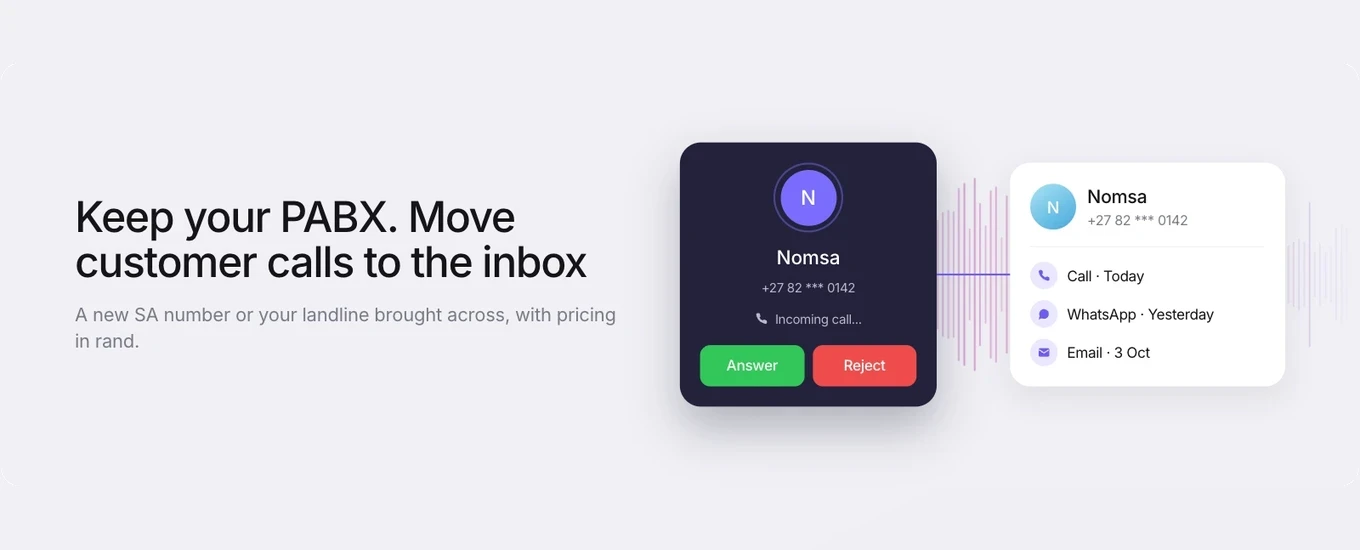

If you’re shopping for a business phone system in South Africa, you’ll find two quite different products sold in similar language.
A PABX connects the phones inside your business. It gives staff extensions, lets them transfer calls desk to desk and shares a set of outside lines. A customer service phone system handles calls from customers. It sends each call to the right team and puts it in the same place as your WhatsApp, email and chat conversations, so whoever answers can see who’s calling and what they’ve already told you.
You may need both, so the useful question is which calls belong where.
What a PABX, cloud PBX and VoIP system do
A PABX (private automatic branch exchange) is a private phone network for one organisation. It connects internal extensions, routes incoming calls to desks or a switchboard, and lets staff call each other without using an outside line. Traditionally it’s a box of hardware on site, with desk phones plugged into it.
A cloud PBX does the same job, hosted by a provider. The exchange runs in the provider’s data centre instead of your server room. Your phones connect to it over the internet, and you pay for the service rather than owning the equipment. Operators and resellers in South Africa sell both on-premises and hosted options.
VoIP (voice over internet protocol) is how the call travels, not a type of system. It carries voice over a data connection instead of a traditional copper line. A cloud PBX carries its calls over VoIP, which is why the terms get used interchangeably.
All three start from the line and the extension. Their core job is getting a call to a handset. Some connect to other business software, but none of them is built around the questions a service team asks every day: whose enquiry is this, what did the customer say on WhatsApp yesterday, and who’s following up?
How a PABX differs from a customer service phone system
A PABX manages your organisation’s phones. A customer service phone system manages customer conversations that happen to arrive by phone. The first is organised around extensions and staff. The second is organised around the customer, the team that owns the enquiry and the history of that customer across channels.
PABX or cloud PBX | Customer service phone system | |
|---|---|---|
Main purpose | Connect staff phones and outside lines | Handle customer calls as part of customer service |
Who uses it | Everyone in the business | The people who deal with customers |
How calls are routed | To extensions, a switchboard or ring groups | To a team, based on the reason for the call and who’s available |
Customer history | Call logs by extension or line | Calls sit on the customer’s record with their other conversations |
Other channels | Phone only, unless separately integrated | Calls sit alongside WhatsApp, email and chat |
What you look back at | Which extensions made and took calls | What happened with each customer, whatever channel they used |
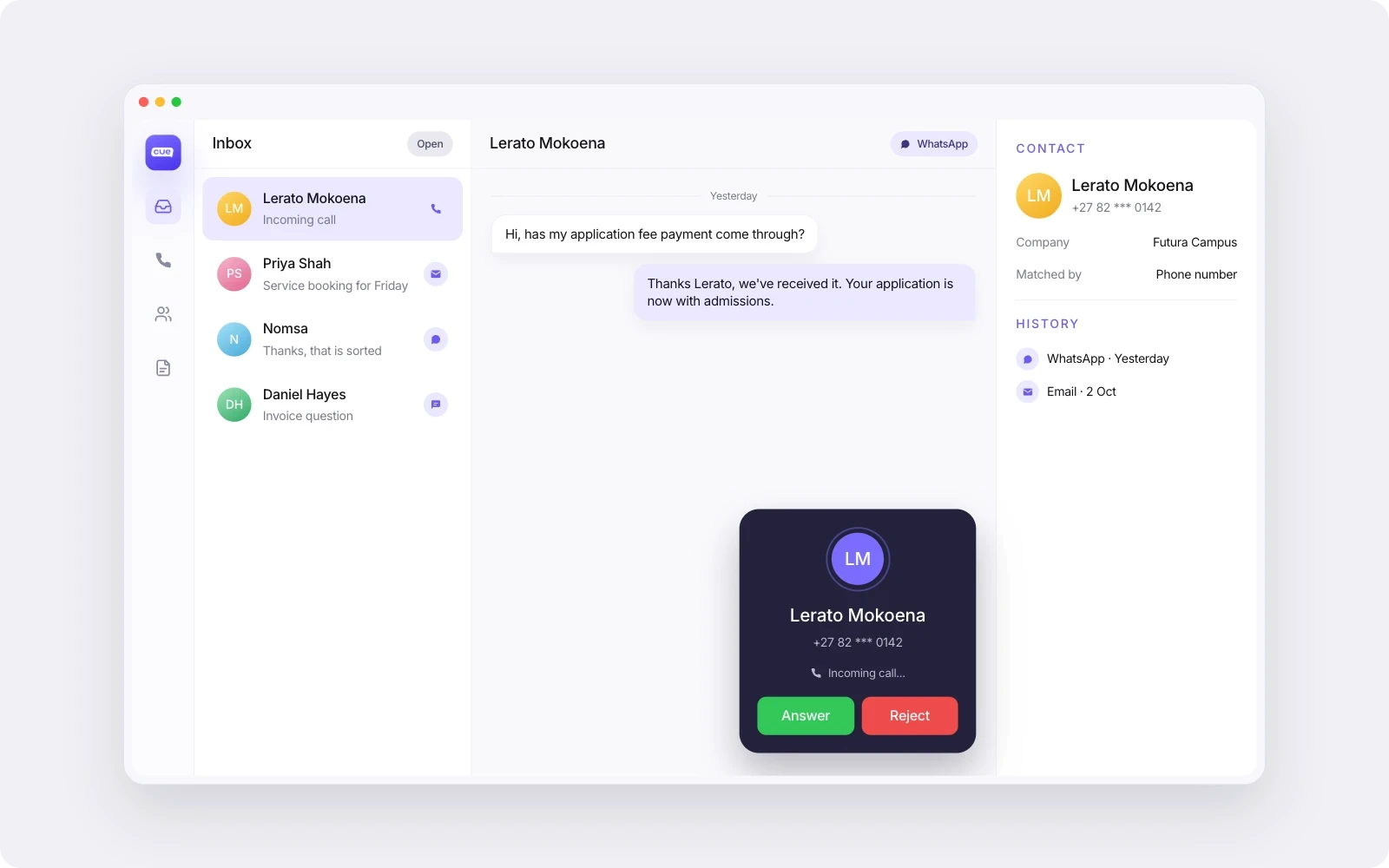
In Cue, Phone is a channel in the same inbox your team uses for WhatsApp, email and chat. Callers are matched to contacts by phone number, so a call lands against the right customer record. Calls can be recorded and transcribed, and the recordings and transcripts are saved on the contact alongside their WhatsApp, email and chat history. If someone messaged on Monday and calls on Wednesday, the agent picking up the call isn’t starting from scratch.
Do you need to replace your PABX?
Not necessarily. If your PABX works well for internal calls, reception and desk lines, there’s a good case for keeping it and moving only your customer service calls to where your service team already works.
One way to split it: Head office, finance and management keep their extensions and desk phones on the PABX. The customer-facing number, the one on your website and invoices, rings into the service platform, where the team already handles WhatsApp and email.
What you avoid is this: the WhatsApp conversation is in one system, the phone call happened on a desk phone, and nobody wrote down what was agreed. Two channels, two partial records, and a customer who has to explain themselves again.
Keeping the PABX also lowers the risk of the change. You’re not ripping out office telephony to fix a customer service problem. You’re giving customer calls the same ownership and history as your messaging channels.
If you’re still deciding how to run WhatsApp itself, start with WhatsApp for business on Cue or our comparison of WhatsApp Business solution providers in South Africa.
What to check before connecting customer calls to your service channels
Before you move any customer number, answer these questions. Most of them are about how your team works, not about the technology.
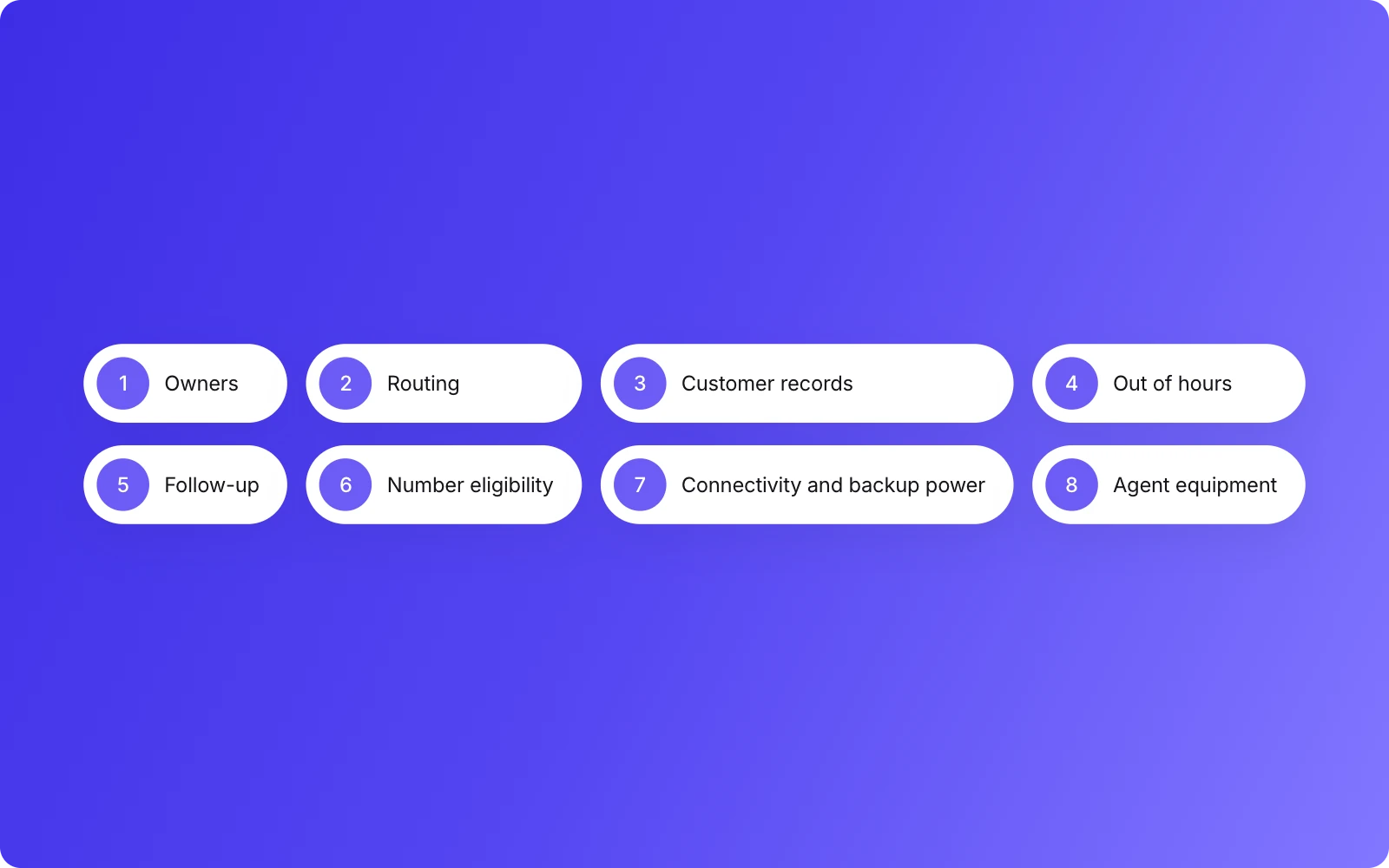
Who owns each type of enquiry? List the main reasons customers call: new sales, existing orders, accounts, complaints. Decide which team owns each one. A call that rings everyone tends to be owned by no one.
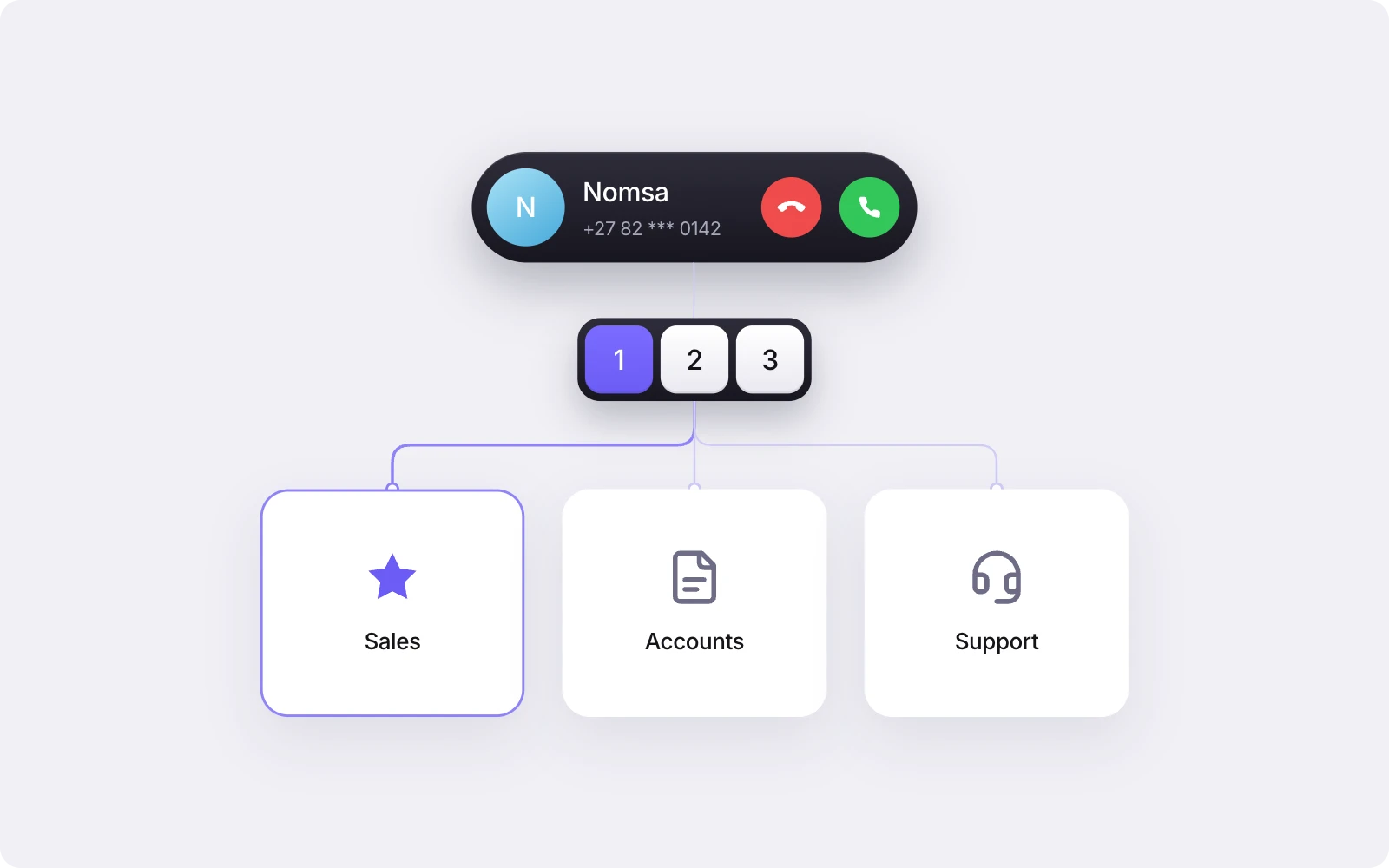
How will calls reach the right team? Decide how callers will choose. In Cue, calls are routed with a keypad menu (“press 1 for sales, 2 for accounts”) with up to 12 options, on every plan. There’s no speech recognition, so keep the menu short and the labels plain. Within a team, you can distribute calls by round robin, by who has taken the fewest calls today or by who has been idle longest.
Will calls land on the right customer record? Calls are matched to contacts by phone number. If your contact records have numbers saved in different formats, or one customer has several numbers, tidy that up first so history doesn’t split.
What happens outside opening hours? Set opening hours for each location, then decide what callers hear when you’re closed. A message plays out of hours. Write it to send people somewhere that is answered, for example: “We’re closed right now. Message us on WhatsApp on this number and we’ll pick it up first thing tomorrow.” You can also set a maximum wait time for when no agents are online, so callers aren’t left listening to hold music.
Who follows up, and how? Agents can call a customer back from the contact record, to South African and UK numbers. Decide who is responsible for returning missed calls and how quickly. Follow-up doesn’t happen on its own, so make it someone’s job.
Is your number eligible to move? See the next section. This is the question that most affects your timeline.
Is your connectivity good enough? Calls over the internet depend on a stable connection at every location where agents work. Plan for load-shedding: check that routers and connectivity at each site have backup power, and agree what happens if a site goes offline.
What will agents use to take calls? Agents answer calls in the inbox rather than on desk phones. Check that each agent has a computer and a decent headset, and that staff who still need a desk phone stay on the PABX.
Numbers and porting in South Africa
South African rules allow both mobile and geographic (landline) numbers to be ported between operators. ICASA’s numbering page sets this out, and the Number Portability Regulations of 2018 provide the framework. That is the law. What a particular provider supports is a separate question.
With Cue, you can get a new UK or South African number through Cue, or bring your existing number across. Numbers in other countries are available on request.
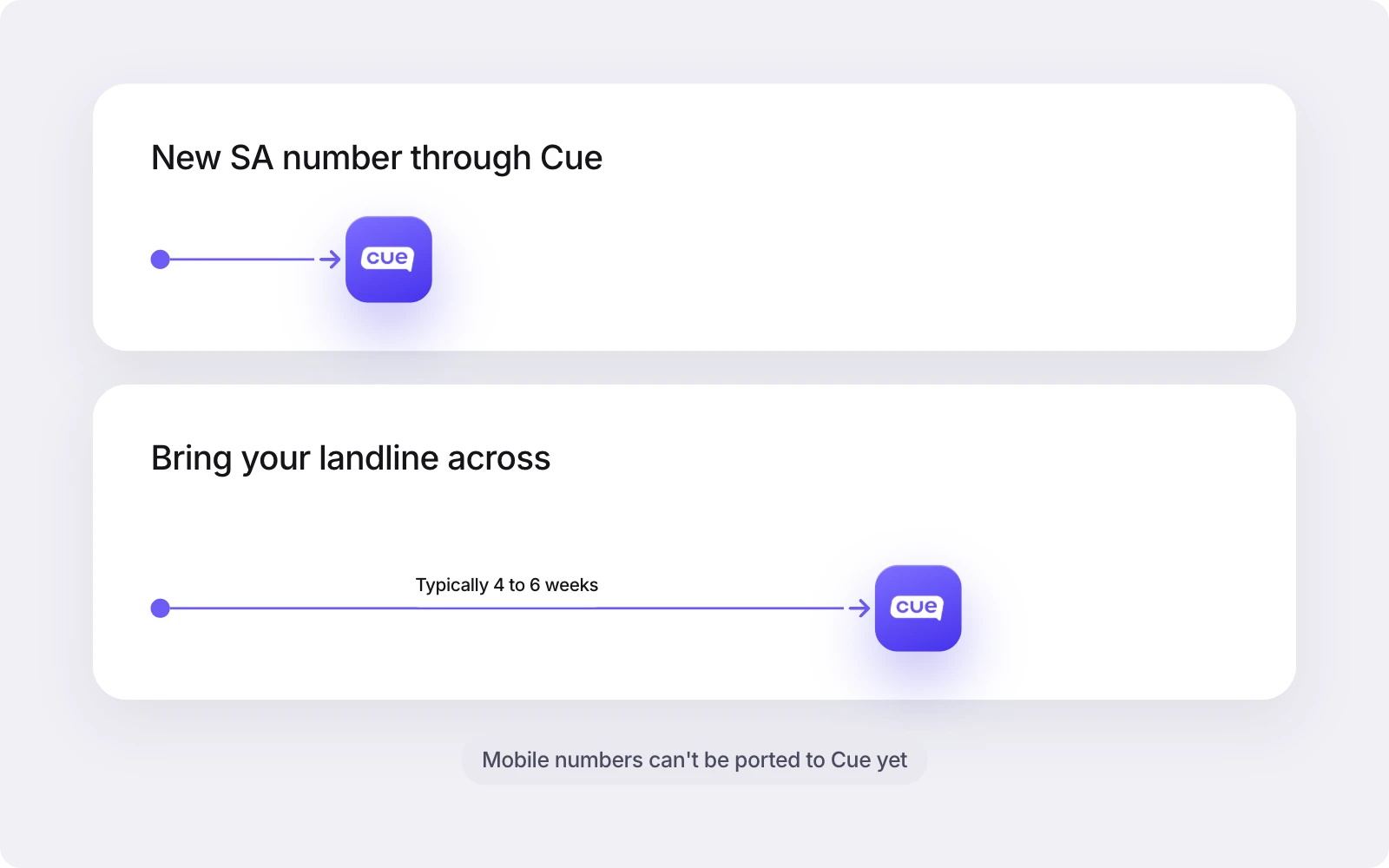
In South Africa you can bring across a landline number. Mobile numbers can’t be ported yet, but you can get a new South African mobile or local number through Cue. That limit is Cue’s, not South African law. Landline ports typically take four to six weeks. Cue’s team sets up South African numbers and landline ports for you.
If keeping your existing number isn’t essential, a new number is the simpler route. If customers have known your landline for years, porting it is worth the wait. Plan your switchover date around it.
When a customer service phone system isn’t the right fit
It isn’t a replacement for everything a PABX does. Cue Phone is probably not the right choice if:
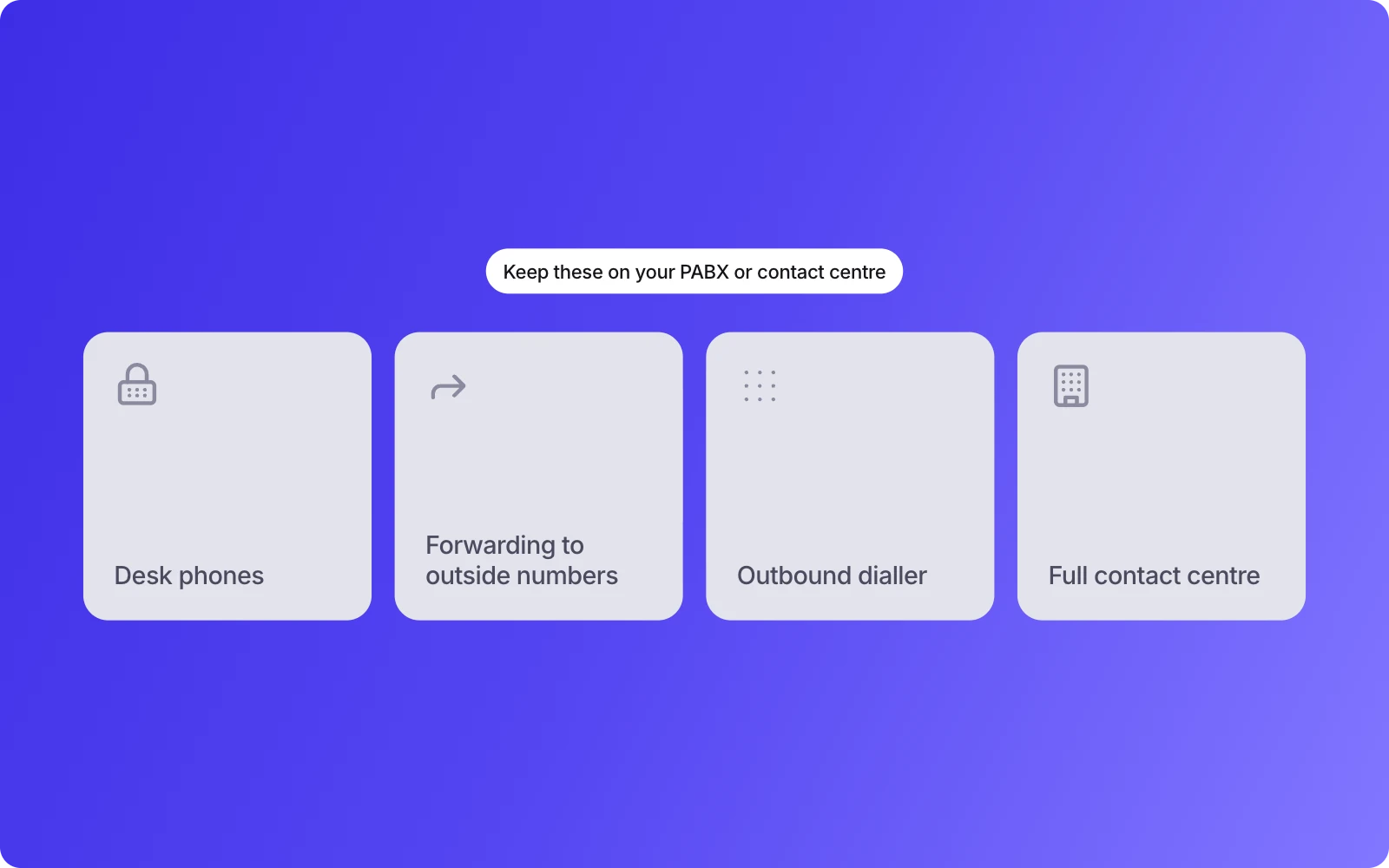
you need desk phones. Cue Phone works in the inbox and doesn’t provide desk handsets. Keep those staff on your PABX.
you rely on forwarding calls to mobiles or outside numbers. Cue Phone doesn’t currently forward calls to external numbers.
you want an outbound dialler. Agents make one-to-one calls from the inbox. Cue Phone isn’t built for call campaigns.
you’re replacing a full contact centre. If you need speech-driven menus and the full set of contact-centre tools, that’s a different purchase.
If your service team already lives in WhatsApp and email and the phone is the channel that keeps slipping out of view, that’s exactly the gap a customer service phone system is built for.
Bring customer calls into the same inbox
You don’t have to choose between your PABX and better customer service on the phone. Keep the office phones where they are, and give customer calls the same ownership and history as your WhatsApp conversations.
See how Cue Phone works, check pricing in rand, or book a demo and we’ll talk through your setup, including which numbers can move. If you’re comparing platforms more broadly, read how to choose a customer service platform in South Africa.